Always-On Wi-Fi
Nighthawk M7 Pro (MR7400)
Always-On Wi-Fi
Seamlessly switch to your wireless Internet connection when your wired connection is interrupted or unavailable. Enjoy reliable and always-on Wi-Fi, anywhere
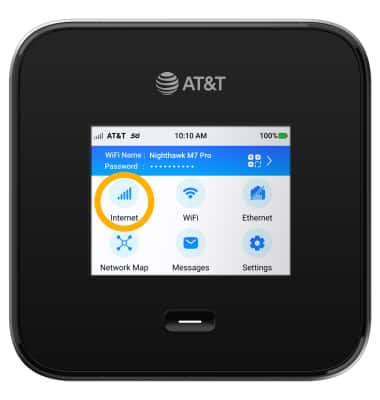
1. From the device home screen, select Internet.
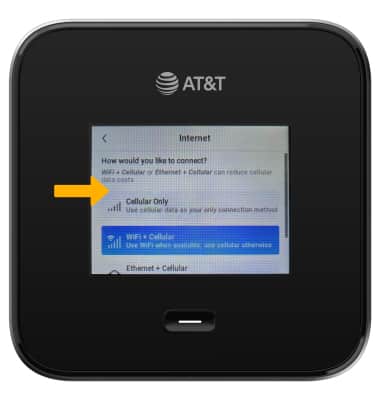
2. Scroll to and select the desired offloading option.
Note: If you select Ethernet + Cellular, ensure that your ethernet cable is connected to the device and your mobile router.
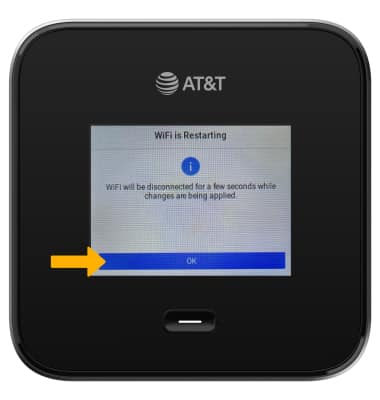
3. When your enable an Offloading option, your network will be reset. Select OK.