Transferring data from iPhone to Android
iPhone 17 Pro Max
Transferring data from iPhone to Android
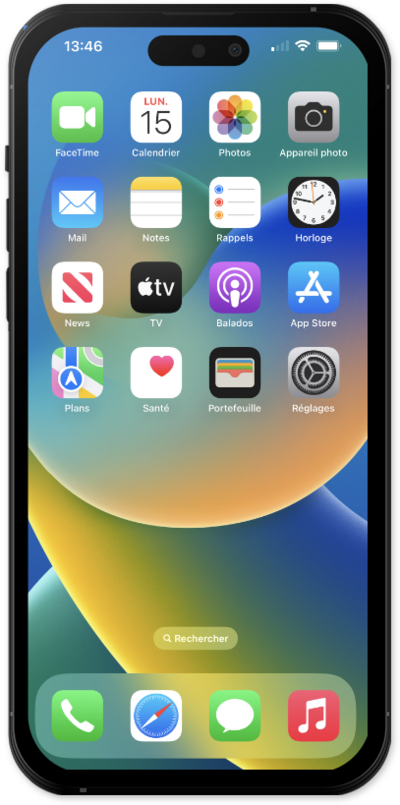
Switching from iOS to Android? This step-by-step troubleshooting manual guides you through transferring contacts, photos, and messages. Learn how to fix connection drops, resolve "Switch to Android" app errors, and successfully migrate your data via cable or cloud.
1.
Within the Settings app, scroll to and tap General.
2.
Scroll to and tap Transfer or Reset iPhone.
3.
Tap Transfer to Android.
4.
Tap Continue.
Place your devices next to each other to begin the transfer process.
5.
Scan the QR on your Android device to connect the phones.
From here keep the devices next to each other to transfer an eSIM from your iPhone to your Android device.
6.
You've completed the steps!
