Setting up your Messages profile
iPad Pro 12.9-inch
Setting up your Messages profile
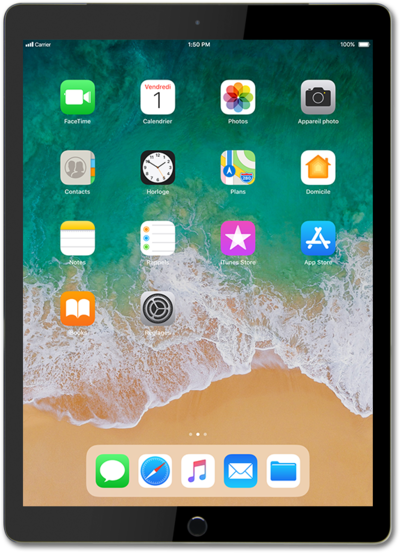
Explore how to set up your Messages profile. You can choose whether to share the name and photo on your iCloud account when sending messages.
1.
From within the Settings app, scroll to and tap Messages.
2.
Tap Share Name and Photo.
3.
Tap Choose Name and Photo.
4.
Tap the Menu icon.
5.
Tap the Photos icon.
6.
Select a photo.
7.
Drag the photo into the circle to crop it.
8.
Tap Choose.
9.
Select a filter.
10.
Tap Done.
11.
Tap Done again.
12.
Tap Continue.
13.
Select Use.
14.
Tap First name.
15.
Enter your first name.
16.
Tap Last name.
17.
Enter your last name.
18.
Tap the return key.
19.
Select who to share your profile with.
20.
Tap Done to save your changes.
21.
You've completed the steps!
