Adding an account
Galaxy A20
Adding an account
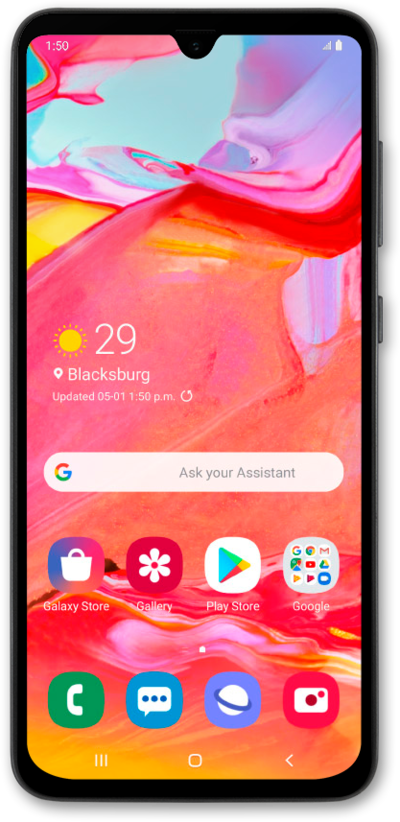
When you add accounts to your device, you unlock important features—automatic backups, synced calendars, access to emails, apps, and more. This guide shows you how to start linking your Google, Samsung, or work accounts to make sure everything works seamlessly.
1.
From the Home screen, swipe up to view your apps.
2.
Tap Settings
3.
Scroll to Accounts and backup.
4.
Tap Accounts and backup.
5.
Tap Manage accounts.
6.
Tap Add account.
7.
Tap Personal (POP3).
For this tutorial we are adding an account using POP3 settings.
8.
Enter your email address.
9.
Tap NEXT.
10.
Enter your password.
11.
Tap NEXT.
12.
Tap the Server field.
13.
Enter your server information.
14.
Tap NEXT.
15.
Tap the SMTP server field.
16.
Enter your SMTP server information.
17.
Tap NEXT.
18.
Tap NEXT again.
19.
Tap NEXT again.
20.
You've completed the steps!
