Turning on Wi-Fi calling
iPhone 7
Turning on Wi-Fi calling
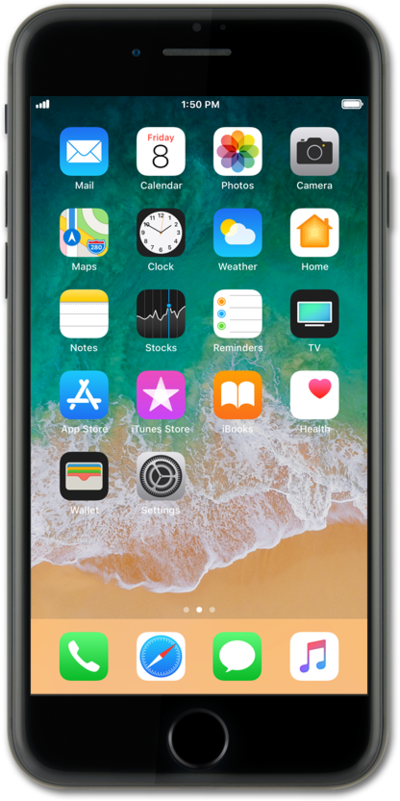
Wi-Fi calling may help to improve your call quality if you are in an area with poor cellular reception.
1.
From the Home screen, tap Settings.
2.
Scroll to Phone.
3.
Tap Phone.
4.
Tap Wi-Fi Calling.
5.
Tap or slide the Wi-Fi Calling on This iPhone switch to ON.
6.
Tap Enable.
If necessary, follow onscreen instructions to enter an address for use in the event of an emergency call. You can update this address at any time.
7.
You've completed the steps!
