Messaging in low quality image mode to save data
iPhone 7 Plus
Messaging in low quality image mode to save data
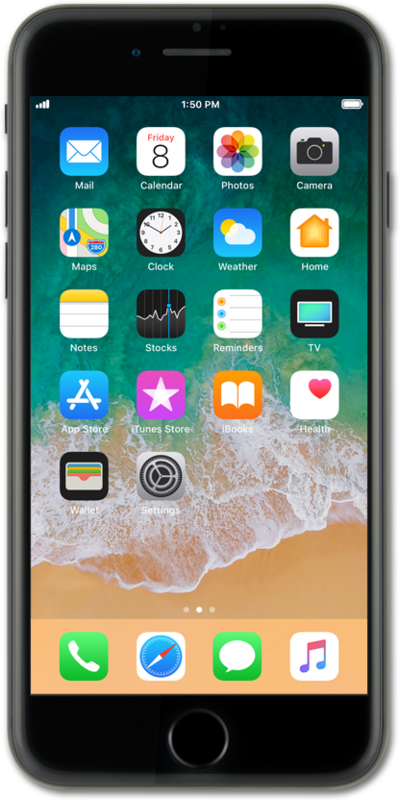
To save on cellular data usage, you can set your device to send images via text at a lower quality.
1.
From the Home screen, tap Settings.
2.
Scroll to Messages.
3.
Tap Messages.
4.
Scroll to Low Quality Image Mode.
5.
Tap or slide the Low Quality Image Mode switch to ON.
Sending lower quality images will reduce data usage.
6.
You've completed the steps!
