Sending an audio message
Galaxy S20 FE 5G
Sending an audio message
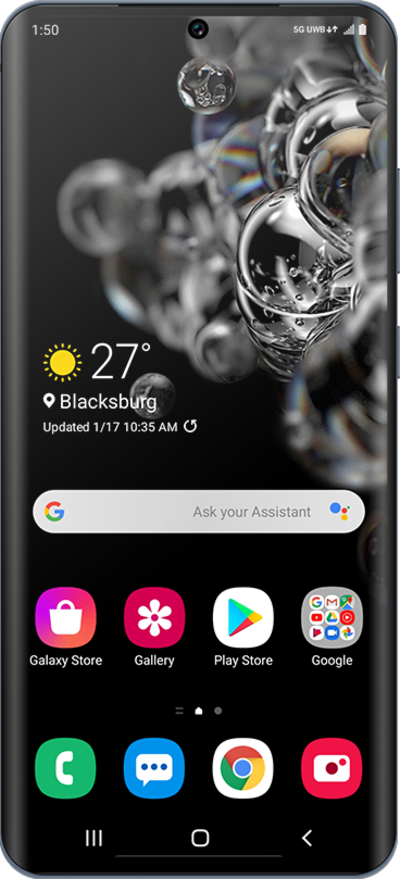
Discover how to send a text message with your voice using the speech to text feature on your device.
1.
From the Messages app main screen, tap Start chat icon.
2.
Enter a contact's name.
3.
Select the contact.
4.
Tap and hold the Voice recording icon to start recording your message.
If necessary, follow the onscreen prompts to give Messages the appropriate permissions.
5.
Dictate your message.
6.
When you're finished, tap the Send icon.
7.
You've completed the steps!
