Freeing up storage space
Galaxy S10+
Freeing up storage space
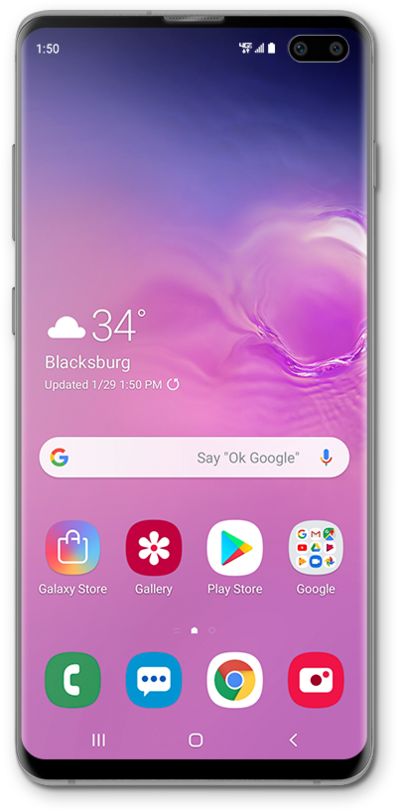
You can store pictures and videos on your device or on an SD card. Saving pictures and videos on your SD card frees up storage space on your device and makes it easier to transfer them to your new device.
1.
From the Settings app, scroll to Battery and device care.
2.
Tap Battery and device care.
3.
Tap Storage.
Data stored on your device will be shown separated into different categories.
4.
Tap Images.
5.
Tap and hold the images you want to delete.
6.
Tap Delete all.
This option may instead read as Delete if you have more than one image saved on your device.
7.
Tap Move to Trash.
8.
You've completed the steps!
