Setting up Touch ID
Setting up Touch ID
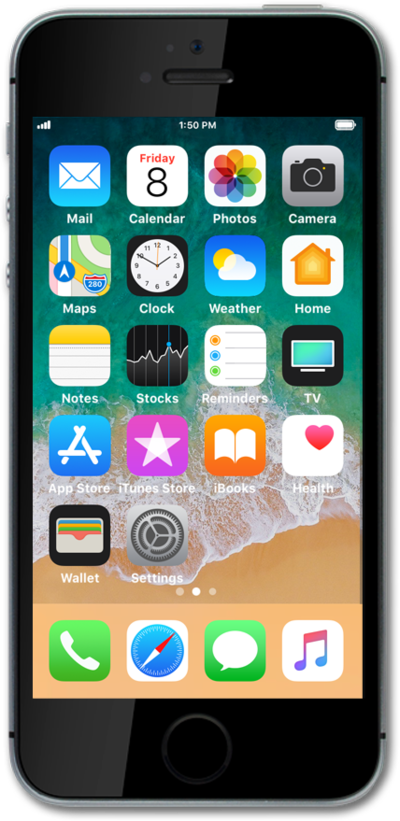
From the Home screen, tap Settings.
Scroll to Touch ID & Passcode.
Tap Touch ID & Passcode.
If necessary, enter your passcode. You're required to set up a passcode in order to use Touch ID.
Tap Add a Fingerprint.
For this tutorial, we're showing how to set up Touch ID. You can also set up your phone to unlock only using a passcode, but steps may vary based on what you choose.
Place your finger on the Home button.
Repeatedly lift and rest your finger on the Home button.
Tap Continue.
Repeatedly lift and rest the edge of your finger on the Home button.
Tap Continue.
If necessary, enter and confirm a passcode to use when Touch ID is not available.
Press the Top button to put iPhone to sleep.
Press the Top button to wake iPhone.
You must be looking at iPhone to activate Touch ID.
Place your fingertip on the Home button to unlock iPhone.
You've completed the steps!
