Checking for and Installing System Updates
Galaxy S5
Checking for and Installing System Updates
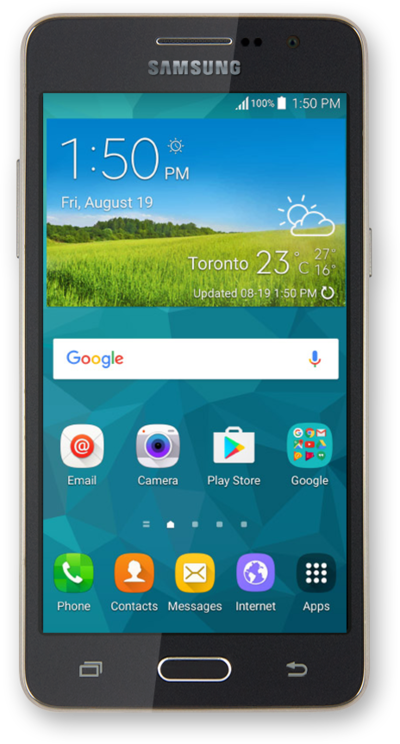
You can check for system updates on your device to make sure you are up to date with your software. Using the newest software can help keep your device healthy.
1.
From the Home screen, tap Apps.
2.
Swipe to Settings.
3.
Tap Settings.
4.
Scroll to About device.
5.
Tap About device.
6.
Tap Download update automatically. If necessary, follow the onscreen prompts to update the operating system.
7.
You've completed the steps!
