Performing a factory reset
iPhone 5S
Performing a factory reset
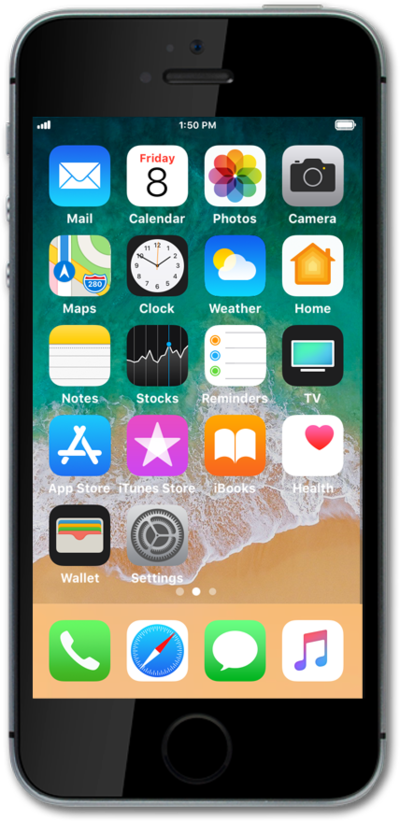
A factory reset will erase all data from your device and is irreversible. This is good to do if you are going to trade in or sell your device. It will wipe all of your personal information from the device.
1.
From the Home screen, tap Settings.
2.
Scroll to General.
3.
Tap General.
4.
Scroll to Reset.
5.
Tap Reset.
6.
Tap Erase All Content and Settings.
Before you proceed, make sure to back up all photos, videos, and data you'd like to keep. When you factory reset iPhone, all your files will be deleted. If necessary, enter your passcode.
7.
Tap Erase iPhone.
8.
Tap Erase iPhone again.
9.
You've completed the steps!
