In this tutorial, you will learn how to:
-
• Access photos and videos
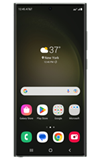
To access the Camera app, from the home screen, select the  Camera app. You can also press the Side button twice or swipe up from the Camera app icon on the lock screen.
Access photos and videos
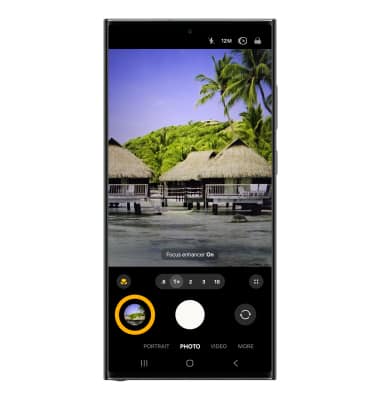
From the Camera app, select the Gallery icon.
Note: Alternately, from the home screen, select the  Gallery app.
Gallery app.