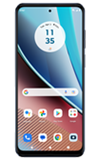

1. Swipe down from the Notification bar with two fingers, then select the  Settings icon.
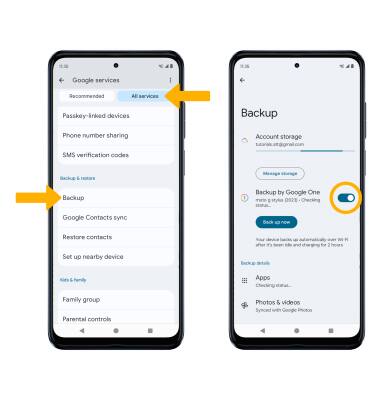
2. Scroll to and select Google.

3. Select the All services tab, then scroll to and select Backup. Ensure the backup to Google One is on by selecting the Backup by Google One switch.
Note: If Google One backup is disabled, you will be prompted to turn it on. Select the desired option.
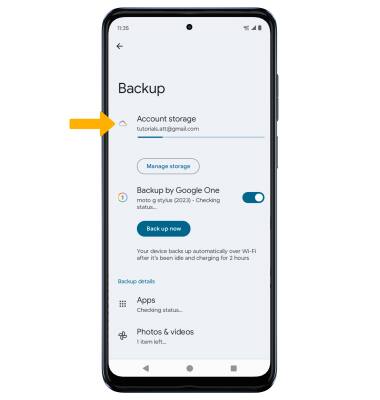
4. If desired, select Account storage to ensure redundancy for backing up your data on the cloud.
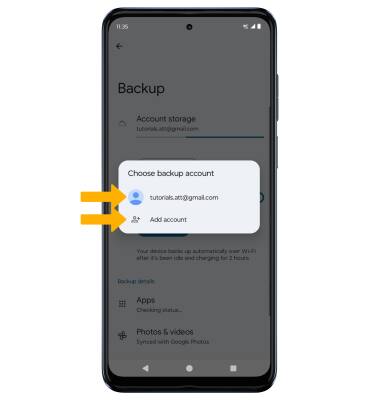
5. Select the desired backup account option or select Add account to add a new backup account. When you add your Google account to a device, the data that you previously backed up for that Google account is restored to the device.