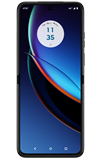
1. From the home screen, swipe up to the Apps tray then select the Google folder. Select the  Files app.
2. Select Downloads. Downloaded files will be displayed. 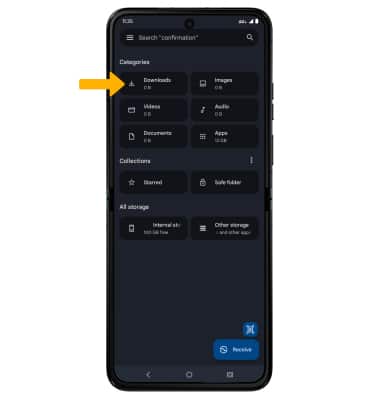
Access Downloaded Files
Motorola razr+ (XT2321-5)
Access Downloaded Files
Learn how to access files downloaded from a web browser, email, and messages.
INSTRUCTIONS & INFO