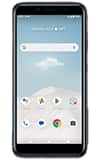
1. From the home screen, swipe up to access the Apps tray, then select the  Files app.
2. Select Downloads. Downloaded files will be displayed. 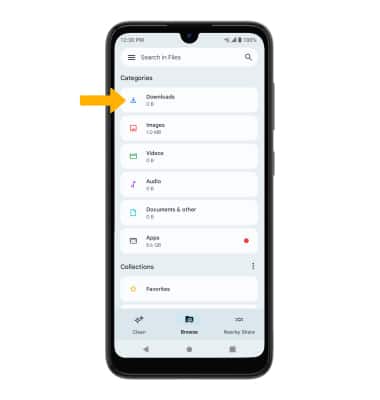
Access Downloaded Files
AT&T Vista (WTATTRW2)
Access Downloaded Files
Learn how to access files downloaded from a web browser, email, and messages.
INSTRUCTIONS & INFO