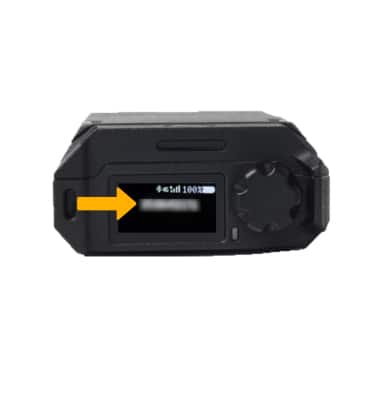
In this tutorial, you will learn how to:
• View the IMEI number
• View the PTT name
• View the PTT number
View the IMEI number
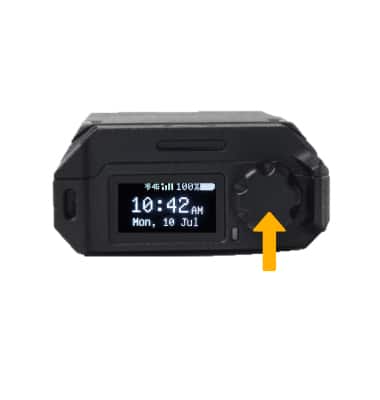
1. Press the Rotary knob to access settings.
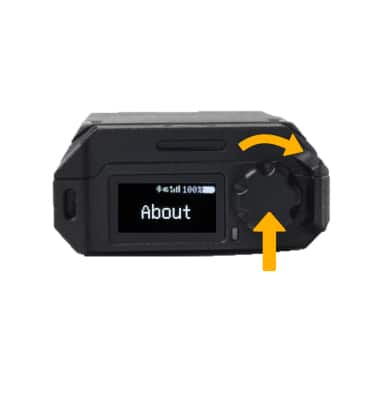
2. Turn the Rotary knob to About, then press the Rotary knob to select.
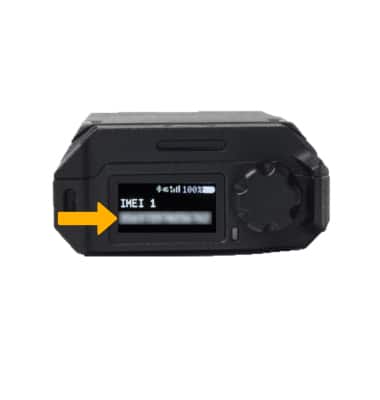
3. IMEI 1 will be displayed.
Note: This device has two IMEI numbers. From the About menu, turn the Rotary knob clockwise to view IMEI 2.
View the PTT name
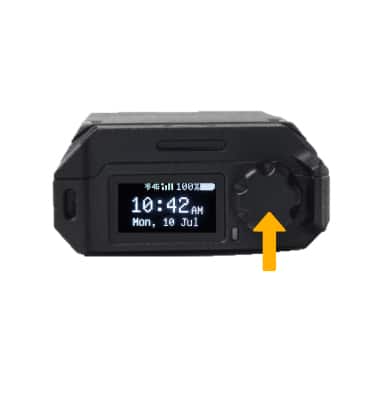
1. Press the Rotary knob to access settings.
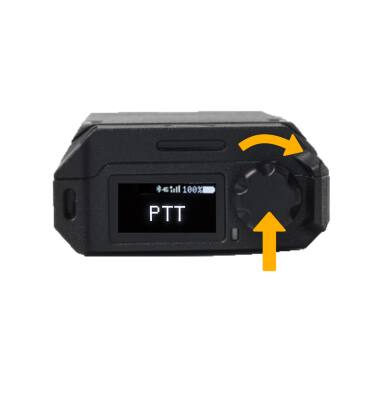
2. Turn the Rotary knob to PTT, then press the Rotary knob to select.
3. Turn the Rotary knob to PTT Name, then press the Rotary knob to select.
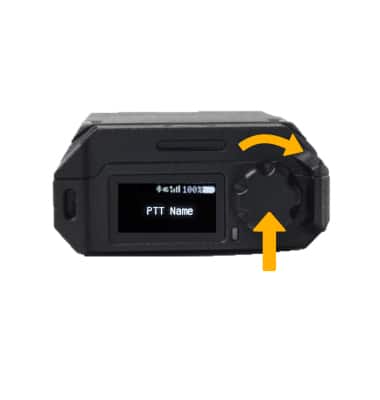
4. PTT Name will be displayed.
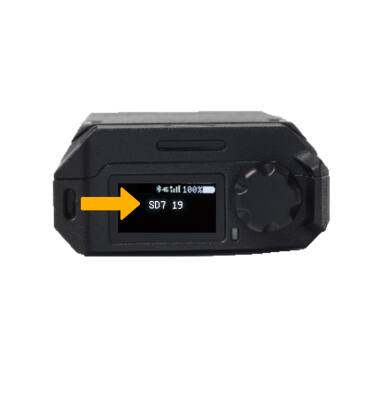
View the PTT number
1. From the PTT menu options, turn the Rotary knob to PTT Number, then press the Rotary knob to select.
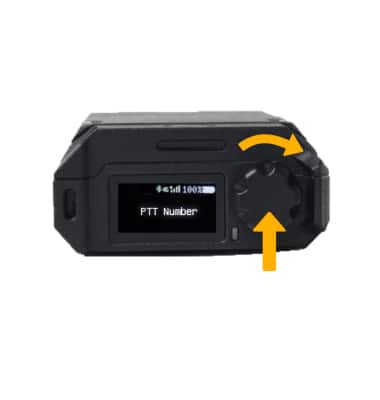
2. PTT Number will be displayed.