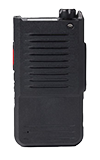

In this tutorial, you will learn how to:
• Scroll through the settings menu
• Make a selection
• Use the Rotary knob to adjust the volume
• Return to the previous screen
Scroll through the settings menu
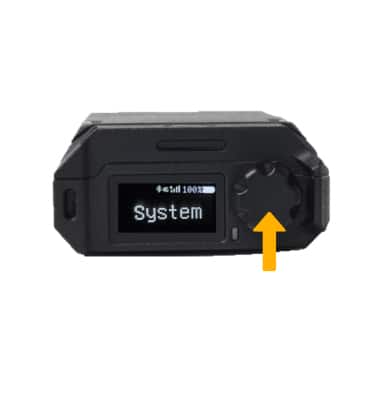
From the settings menu, turn the Rotary knob to scroll through menu options.

Make a selection
To make a selection, press the Rotary knob.
Use the Rotary knob to adjust the volume
To adjust the volume using the Rotary knob, press and turn the Rotary knob simultaneously.
Note: The Rotary knob is set to adjust call volume by default.

Return to the previous screen
Long press the Rotary knob to return to the previous screen.