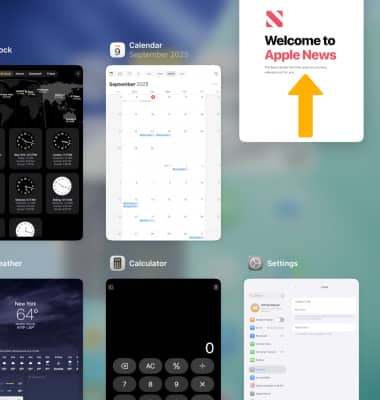
In this tutorial, you will learn how to:
• Access recent apps
• Open an app
• Switch between apps
• Close an app
For information on viewing app and data usage, please visit the View & Manage Data tutorial. Learn more from Apple support articles:
• Switch apps on your iPhone, iPad, or iPod touch
• Close an app on your iPhone or iPod touch
Access recent apps
To view recently used apps, swipe up from the bottom of the screen without removing your finger.
Note: For devices with a home button, double-press the home button.
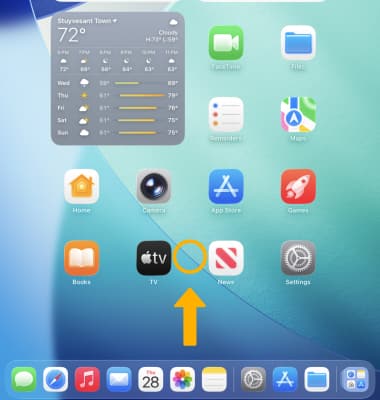
Open an app
Select the desired app. 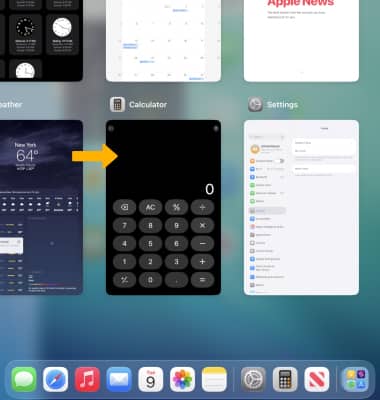
Switch between apps
Swipe left or right to the desired app you want to use.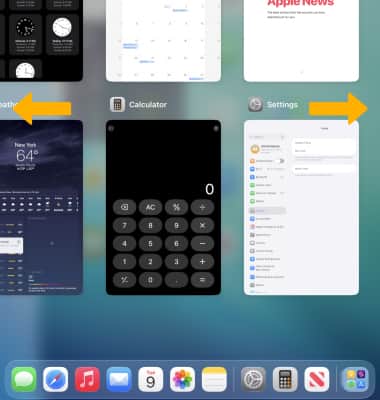
Close an app
Swipe up on the desired app you wish to close.