In this tutorial, you will learn how to:
• Access Messages app Settings
• Adjust Notifications
Messages settings allow you to control image size, message history, and more.
Access Messages app Settings
1. From the Home screen, select the  Settings app.
2. Scroll to Apps >  Messages > adjust Messages settings as desired.
Note: Available options vary when iMessage is turned off. 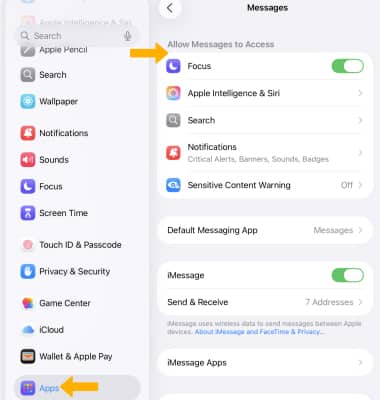
Adjust Notifications
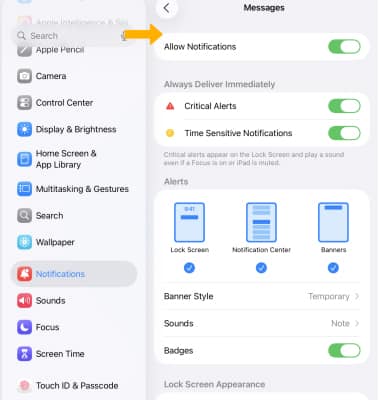
1. From the Settings screen, select Notifications then scroll to and select Messages.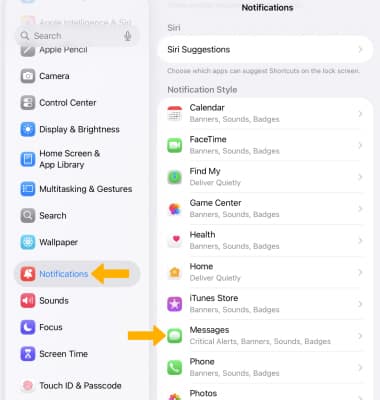
2. Edit your Messages notification settings as desired.
Note: Learn more from the Apple website: https://www.apple.com/ios/messages/.