In this tutorial, you will learn how to:
• Enable or disable Always On
• Edit Always On settings
Enable or disable Always On
1. From the clock screen, press the Digital Crown/Home button. Navigate to and select the  Settings app.
2. Scroll to and select Display & Brightness, then scroll to and select Always On.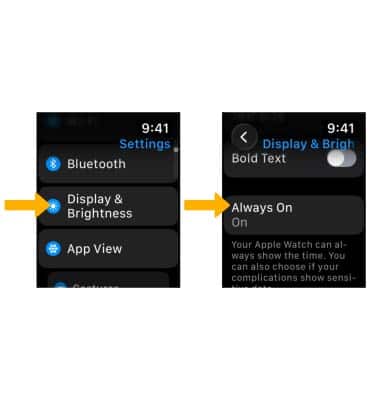
3. Select the Always On switch.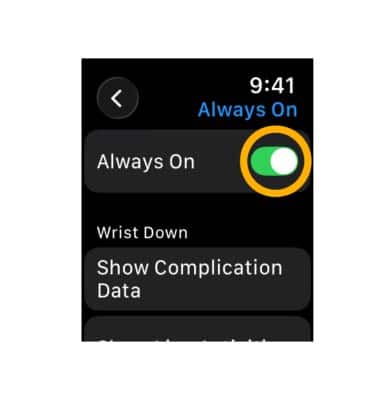
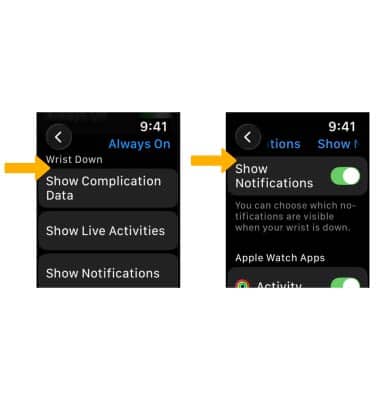
Edit Always On settings
From the Always On screen, scroll to and select the desired option under Wrist down. Edit the settings as desired.