In this tutorial, you will learn how to:
• Access Fitbit Today
• Track steps
• Measure heart rate
Access Fitbit Today
Press the Watch Crown to access the Apps tray, then scroll to and select the Fitbit Today app.
Note: A Google account is required to access. For more information or support, please visit the Google Play Help site.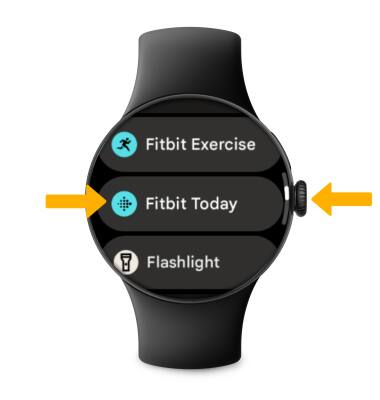
Track steps
From the Fitbit Today app, the pedometer will be displayed.
Note: To view Step timelines, Average steps and other specific metrics, select Steps.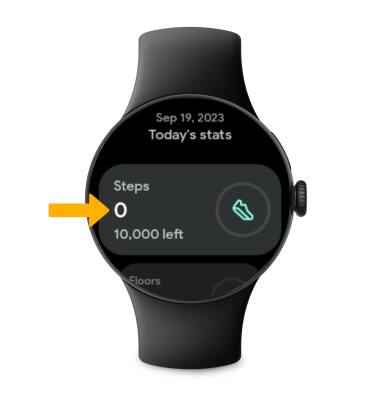
Measure heart rate
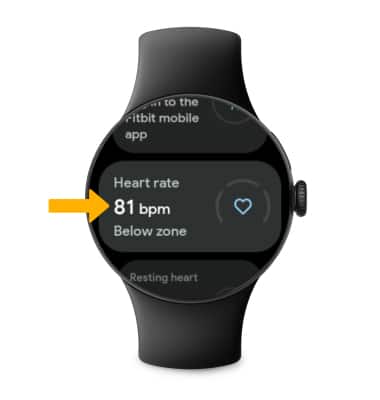
Scroll to and view Heart rate.
Note: To view Heart rate zones, select Heart rate.