In this tutorial, you will learn how to:
• Access files
• Share files
Access files
1. From the home screen, select the  Files app.
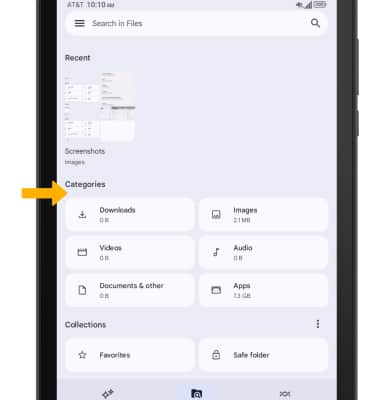
2. Select the desired category to view files.
Share files
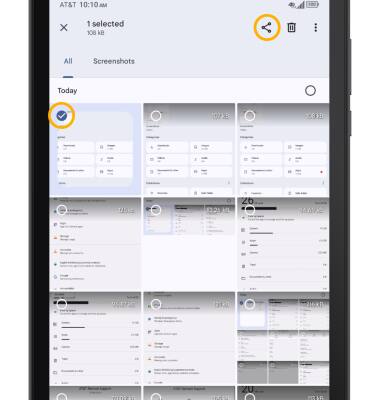
1. Select and hold the desired file, then select the Share icon.
Note: To share multiple files, after selecting and holding a desired file, select the circle next to the additional desired files to share. Select Share.
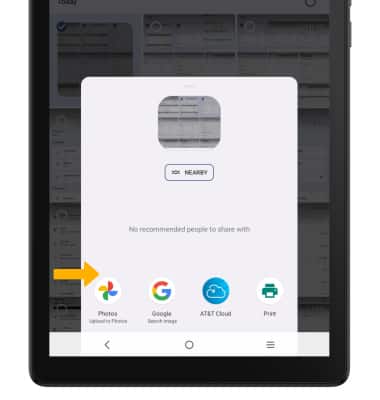
2. Select the desired sharing method, then follow the prompts.