
 Parent Menu icon > select Exit Kids space > Turn off > enter your password > select Next. For more assistance, visit the
 1. After exiting Kids Space, from the home screen, select the  Files app.
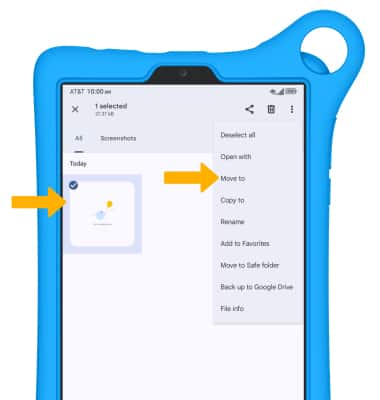
2. Navigate to, then select and hold the desired file(s). Select the  Menu icon, then select Move to.
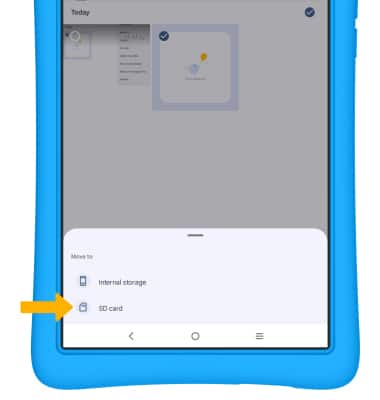
3. Select SD card.
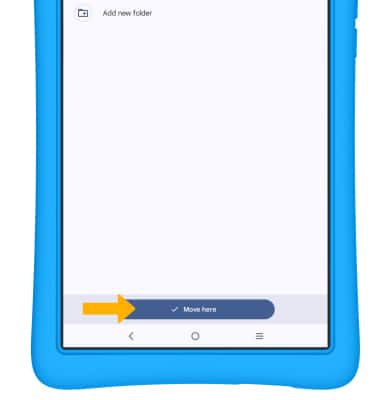
4. Navigate to the desired folder, then select Move here.