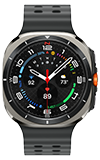
In this tutorial, you will learn how to:
• Change the clock style from your watch
• Change the clock style from your connected smartphone
Change the clock style from your watch
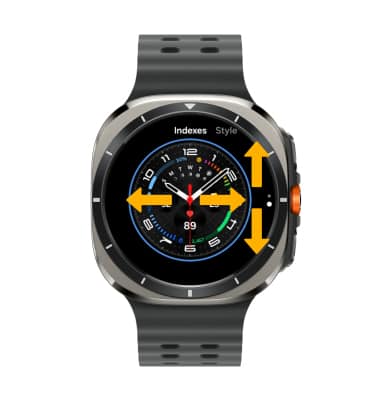
1. From the clock screen, select and hold the center of the screen.

2. Swipe left or right to the desired background.
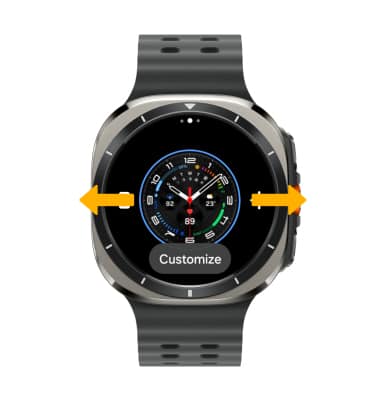
3. Select Customize to change the style of the background.
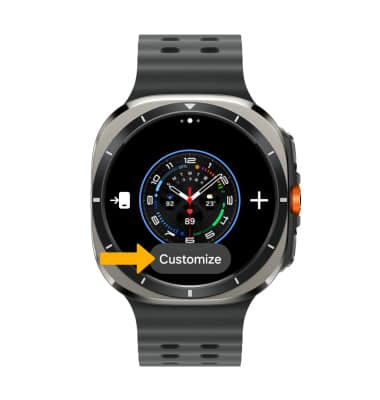
4. Swipe left or right to change the color or complication, then select and drag the slider up or down to choose the desired option.
Note: To save your new clock style, press the Home button.
Note: To save your new clock style, press the Home button.
Change the clock style from your connected smartphone
1. From your connected smartphone, navigate to and select the  Galaxy Wearable app.
2. Select Watch faces.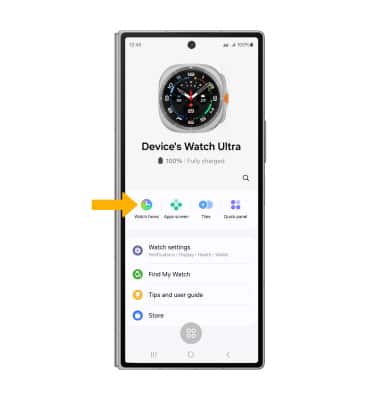
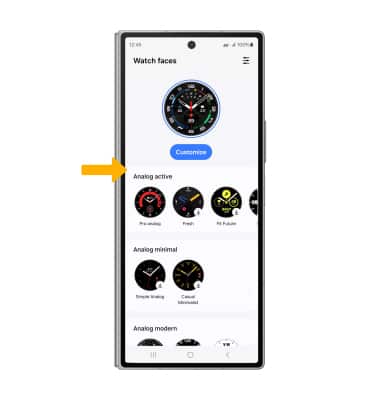
3. Navigate to and select the desired option.
4. Select Customize. 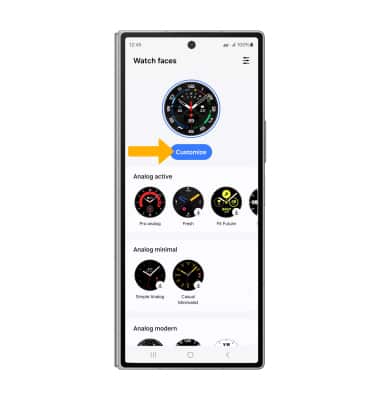
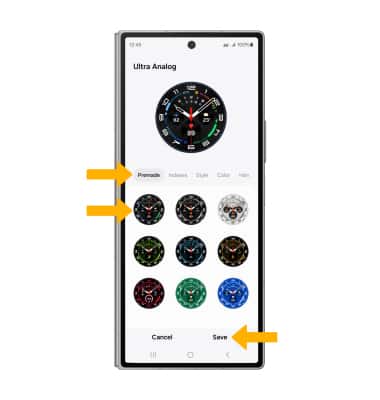
5. Select the desired customization tab then select the desired option to customize the clock style. When finished, select Save.