In this tutorial, you will learn how to:
• Access features from the clock screen
• Return to previous screen
• Access recent apps
• Lock/wake up the device
• Return to the clock screen
• Access settings menu
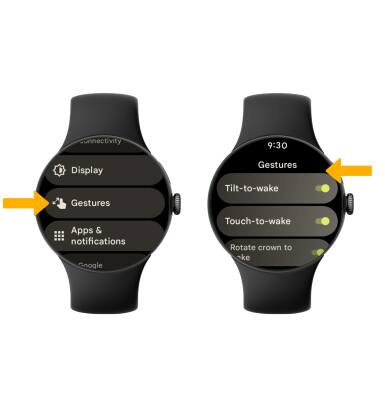
• Enable/disable additional gestures
Access features from the clock screen
From the clock screen, select the desired option:
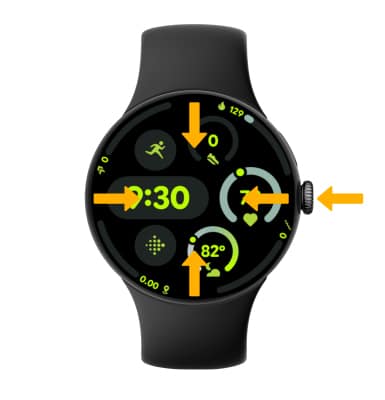
• ACCESS APPS: Press the Watch Crown to access the Apps tray.
• ACCESS QUICK SETTINGS: Swipe down from the top of the screen.
• ACCESS TILES: Swipe left or right to scroll through Tiles.
• ACCESS NOTIFICATIONS: Swipe up to view notifications. To view a notification, select the desired notification.
• ACCESS QUICK SETTINGS: Swipe down from the top of the screen.
• ACCESS TILES: Swipe left or right to scroll through Tiles.
• ACCESS NOTIFICATIONS: Swipe up to view notifications. To view a notification, select the desired notification.
Return to previous screen
Press the Side button twice.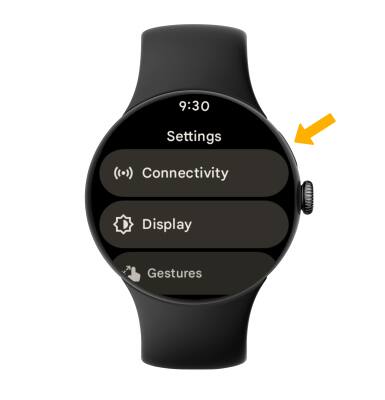
Access recent apps
Press the Side button.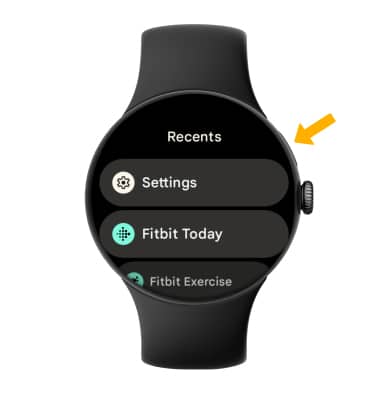
Lock/wake up the device
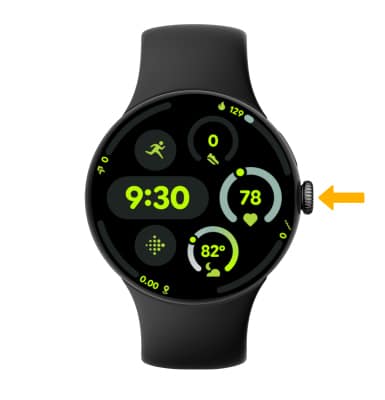
• LOCK: Cover the device screen with your palm.
• WAKE UP: Press the Watch Crown.
• WAKE UP: Press the Watch Crown.
Return to the clock screen
Press the Watch Crown from any screen to return to the clock screen.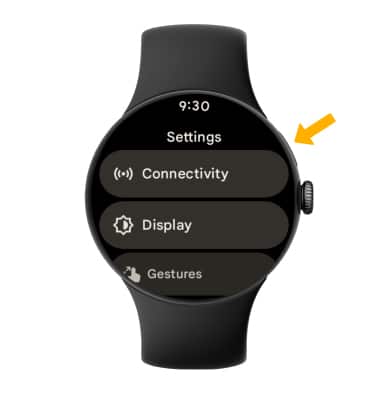
Access settings menu
Press the Watch Crown to access Apps tray, then scroll to and select Settings.
Note: Alternately, you can swipe down from the top of the clock screen then select the Setting icon.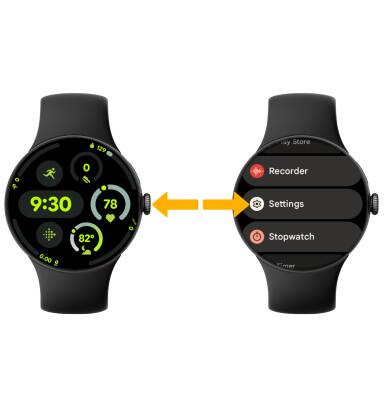
Enable/disable additional gestures
From the Settings screen, scroll to and select Gestures then select the switch next to the desired feature to enable or disable.