In this tutorial, you will learn how to:
• View IMEI and serial number
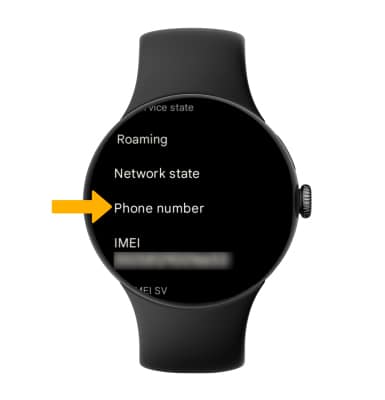
• View phone number
View IMEI and serial number
1. Press the Watch Crown to access the Apps tray, then scroll to and select  Settings.
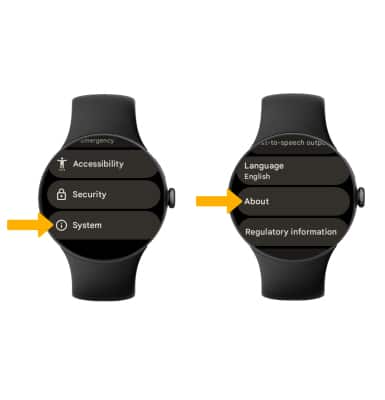
2. Scroll to and select System, then scroll to and select About.
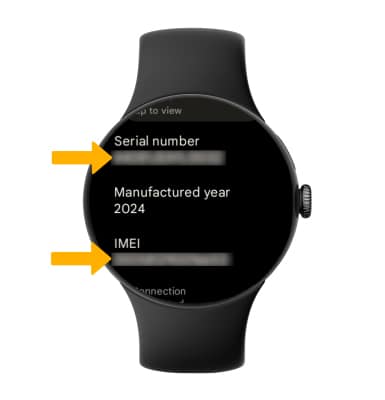
3. Scroll to view the Serial number and IMEI.
View phone number
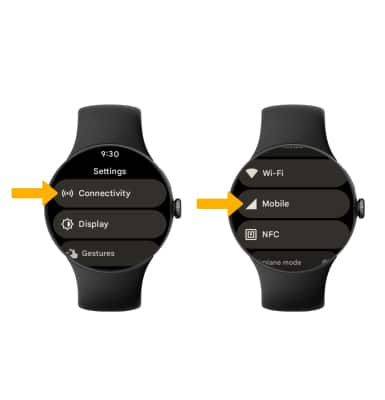
1. From the Settings screen, select Connectivity then scroll to and select Mobile.
2. Scroll to and select SIM status.
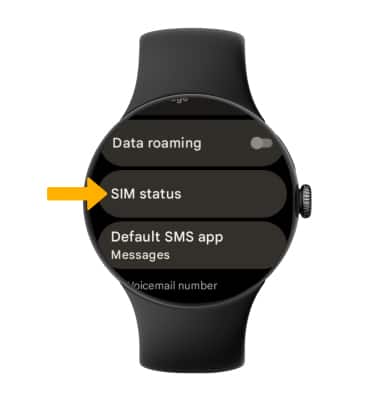
3. Scroll to view the Watch phone number.