In this tutorial, you will learn how to:
• View Wi-Fi network name and password
• Edit Wi-Fi network name and password
View Wi-Fi network name and password
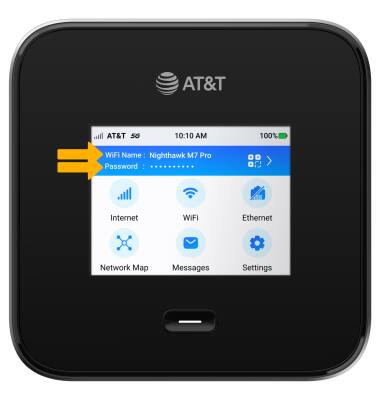
With the router powered on, the Wi-Fi Network Name and Password will be displayed on the device home screen.
Edit Wi-Fi network name and password
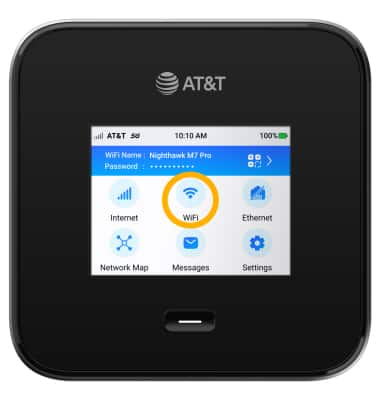
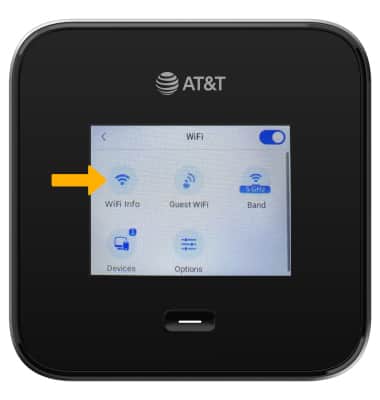
1. From the home screen, select WiFi.
2. Select WiFi Info.
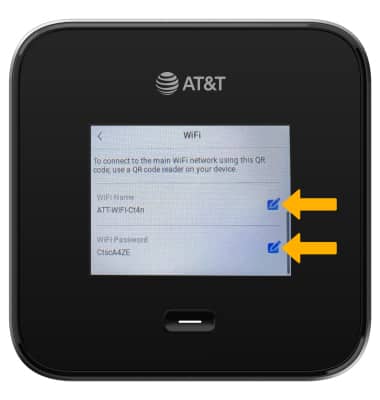
3. Scroll to and select the Edit icon beside WiFi Name or WiFi Password to edit as desired.
Note: For this demonstration, WiFi Name was selected.
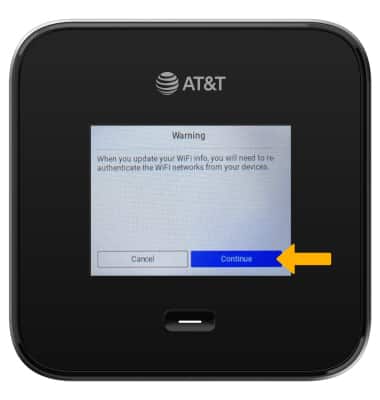
4. Review the Warning prompt, then select Continue.
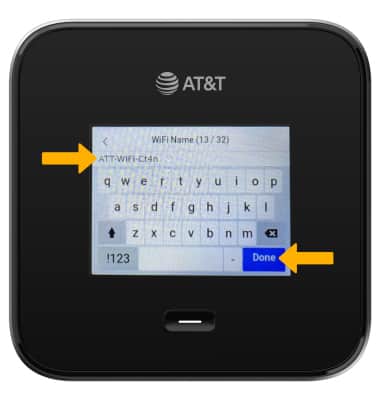
5. Edit the Wi-Fi Name or Password as desired, then select Done.