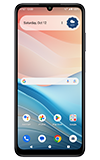
In this tutorial, you'll learn how to:
• Access Google Lens
• Use Google Lens
Access Google Lens
1. From the home screen, select the  Camera app.
2. Select the Google Lens icon.
Note: Review the Google Lens prompt, then select Open camera to continue. Review the allowances then select the desired option. 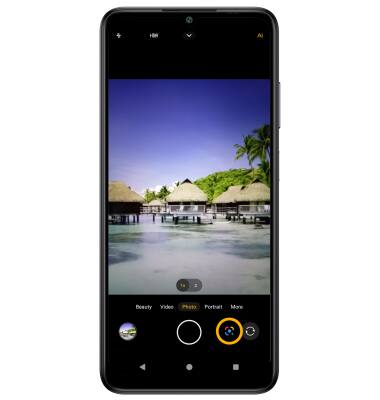
Use Google Lens
Point the device's camera at an object or location, then swipe up to view the Google Lens results.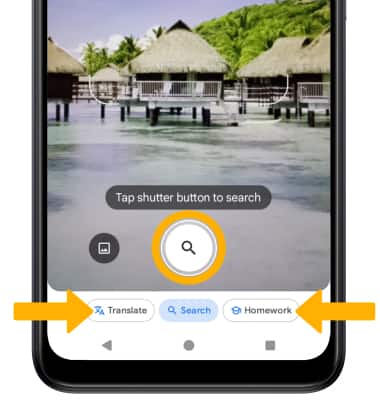
• SEARCH: Select the Search icon to search for similar objects or locations.
• TRANSLATE: Select the Translate icon to translate text in the desired image.
• HOMEWORK: Select the Homework icon to search for homework questions, math equations or diagrams.
For more information, visit Google's site.