
 Use the original charger and battery to maintain optimal battery performance over the life of your device.
 In this tutorial, you will learn how to:
• Charge device via a power outlet
• Charge device via a laptop
Charge device via power outlet
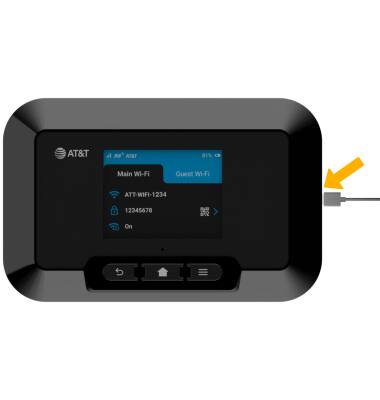
1. Insert the USB-C end of the cable into the port on the right side of the device.
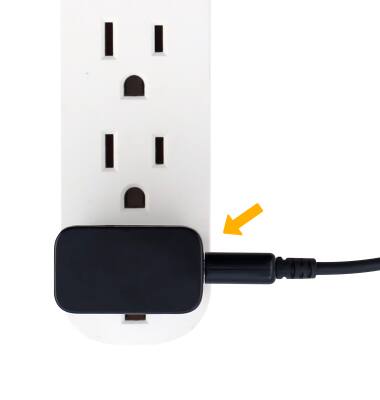
2. Plug the A/C adapter end into the wall outlet.
Charge device via a laptop
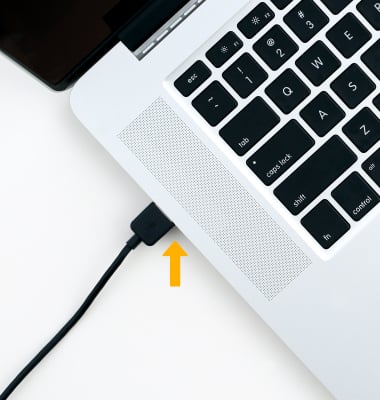
To use your laptop to charge the device, insert the opposite end of the cable into the USB port of a computer.
Note: The device comes only with an A/C adaptor. USB cable sold separately.
When the device is charging, the  Charging icon will be displayed.