In this tutorial, you will learn how to:
• View serial number
• View IMEI number
View phone number
1. Press the Center Dynamic key to access the Menu. Press the navigation keys to highlight the  Settings app, then press the Select button to select.
2. Press the navigation keys to scroll to and highlight About phone, then press the Select button.
3. Press the down navigation key to scroll to Phone number. The phone number will be displayed.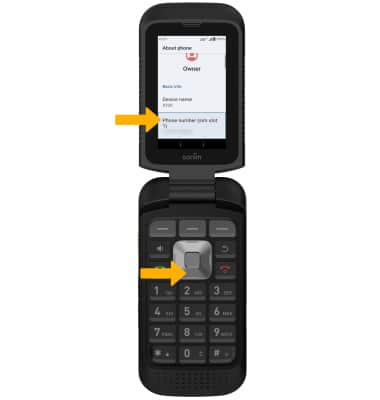
View serial number
From the About phone screen, press the navigation keys to scroll to and highlight Model & hardware, then press the Select button. Press the down navigation key to scroll to view the device's Serial number.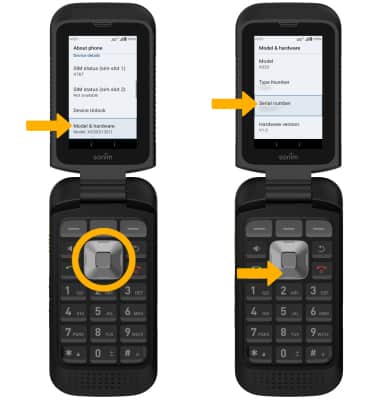
View IMEI number
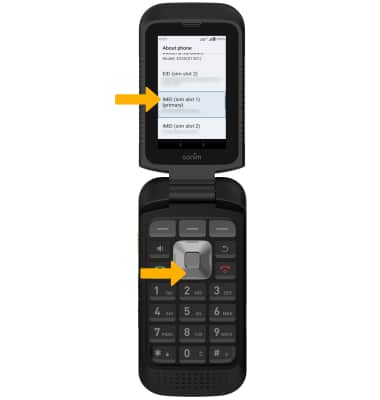
From the About phone screen, press the down navigation key to scroll to view the IMEI number.
Note: You can also view your IMEI by entering *#06# from the keypad. To view the IMEI on the hardware, remove the back of the device and the battery. The IMEI number will be displayed.