In this tutorial, you will learn how to:
• Create a reminder
• View reminders
• Edit or delete a reminder
Create a reminder
1. From the home screen, select the  Reminders app.
2. Select the desired list, then select the Add icon.
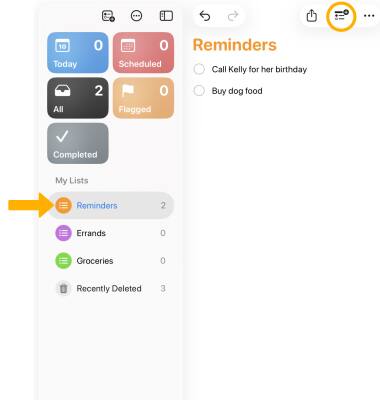
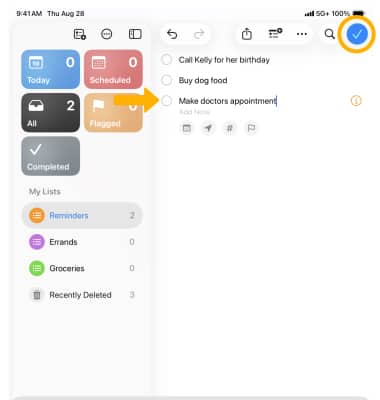
3. Enter the desired reminder, then select the Checkmark icon.
Note: The reminders app will automatically suggest new tasks, follow-ups, and grocery items by analyzing the data from your email messages and other apps.
View reminders
To view scheduled reminders, select the desired list. To mark a reminder as completed, select the circle next to the desired reminder. 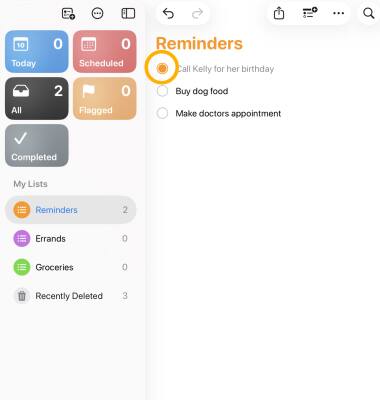
Edit or delete a reminder
1. From the desired list, select and hold the desired reminder, then edit the reminder as desired.
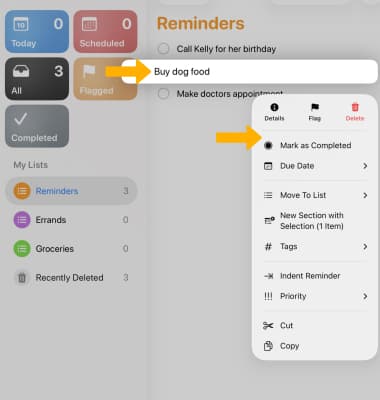
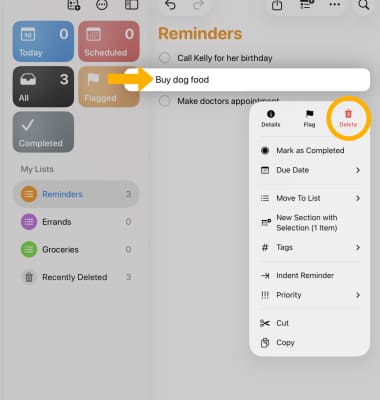
2. From the desired list, select and hold the desired reminder, then select Delete.