In this tutorial, you will learn how to:
• View alerts on management website
• View alerts on the device
View alerts on management website
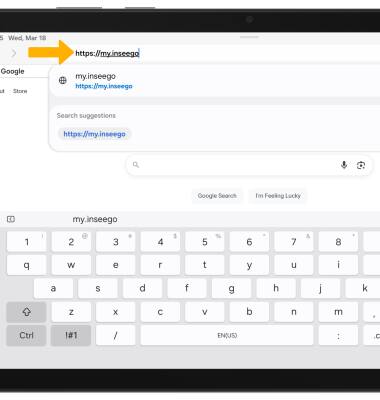
1. From your device's web browser, go to http://my.inseego.
Note: Ensure that your device is connected to the Inseego MiFi PRO M4's Wi-Fi network. For more information, please visit the Connect Devices to Wi-Fi or Connect PC or Mac to Wi-Fi tutorials. If this is your first time logging into the Web admin page, the default password will be displayed on the bottom of your device. You will be prompted to change the admin password.
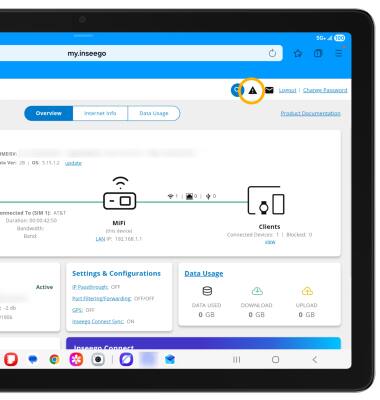
2. Select the Alerts icon at the top of the page. Alerts will be displayed.
View alerts on the device
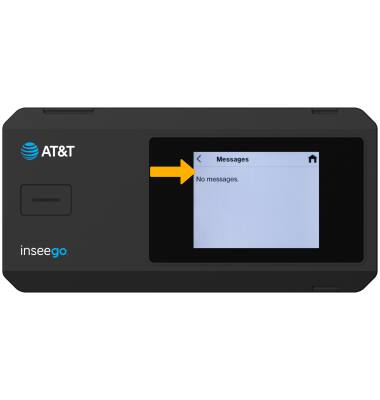
1. From the device home screen, select Menu then select Messages.
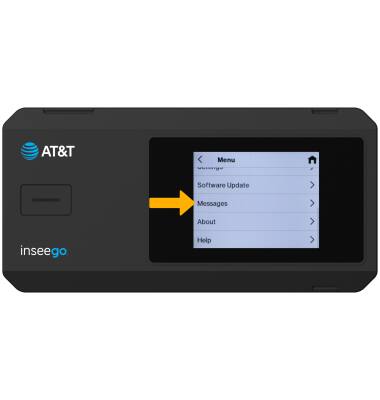
2. Messages will be displayed.