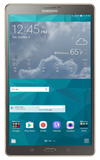
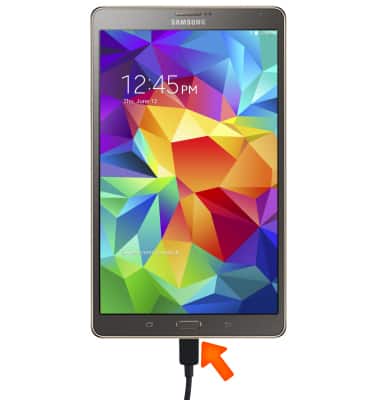
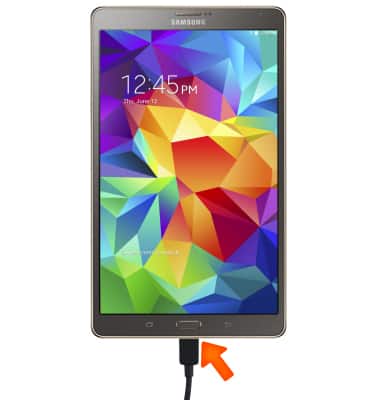
- To transfer media to and from a PC, with the device powered on, insert the microUSB end of the microUSB cable into the port on the bottom of the device.
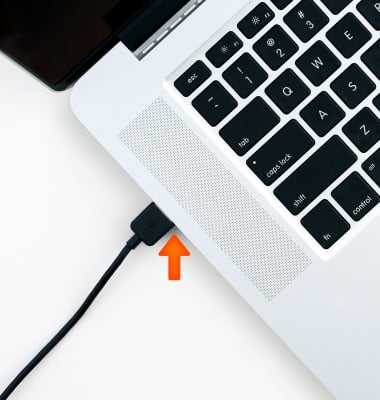
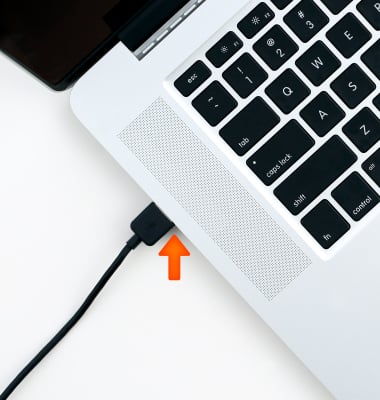
- Insert the USB end of the microUSB cable into an open port on the computer.
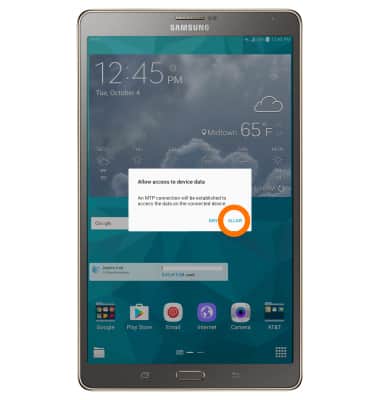
- From your device, select ALLOW to begin MTP connection.
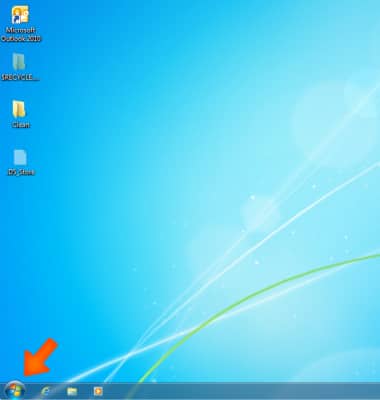
- Click the Windows start icon.
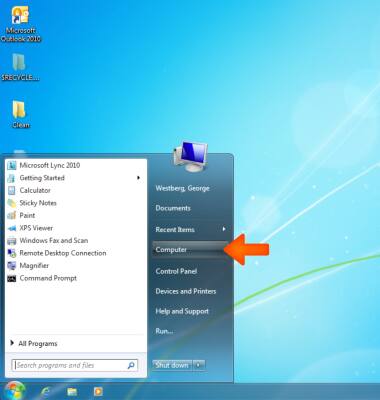
- Click Computer.
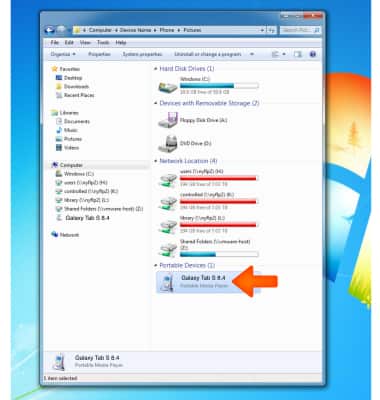
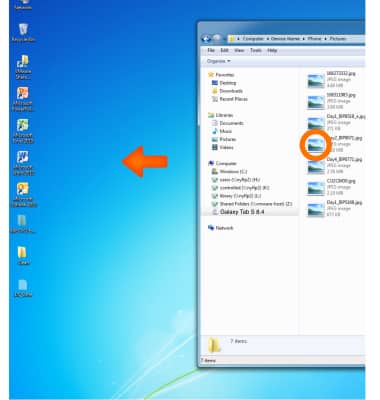
- Open the newly connected Device drive.
- Navigate to the Desired folder.
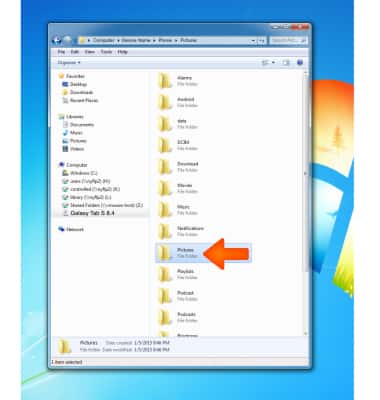
- Drag and drop files to/from the Device drive to transfer.
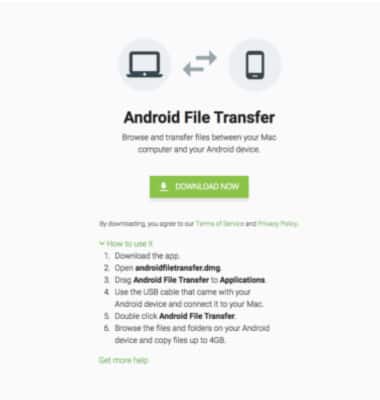
- To transfer media to and from a Mac computer, you need the Android File Transfer App to facilitate the communication between the camera and computer. Download and install the Android File Transfer app.
- With the device powered on, insert the MicroUSB end of the MicroUSB cable into the port on the device.
- Insert the USB end of the MicroUSB cable into an open port on the computer.
- From your device, select ALLOW to begin MTP connection.
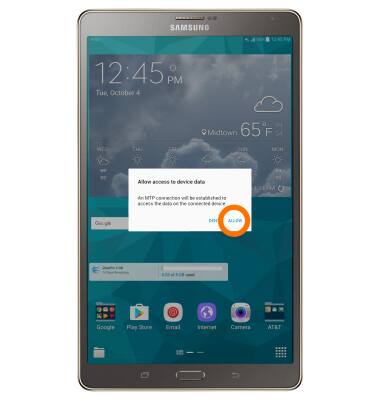
- Once the device is connected to the computer, the Android File Transfer App will open automatically.
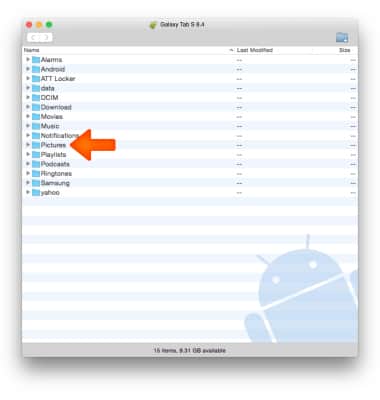
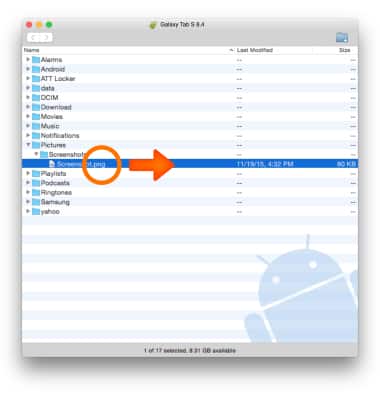
- Drag and drop the Desired files to/from the device to transfer.
Transfer Media To & From a Computer
Samsung Galaxy Tab S 8.4 (T707A)
Transfer Media To & From a Computer
Transfer files to or from your device and a computer.
INSTRUCTIONS & INFO