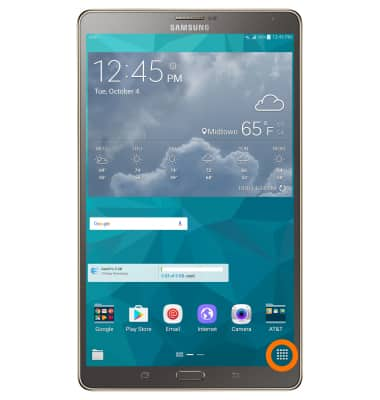
- To access your files, from the home screen, select the Apps icon.
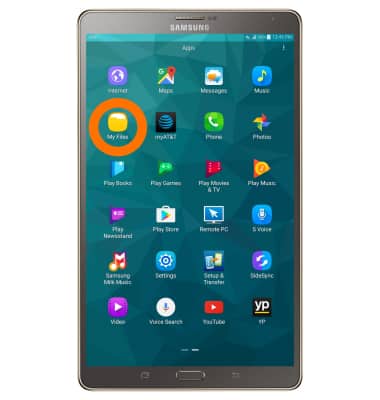
- Select My Files.
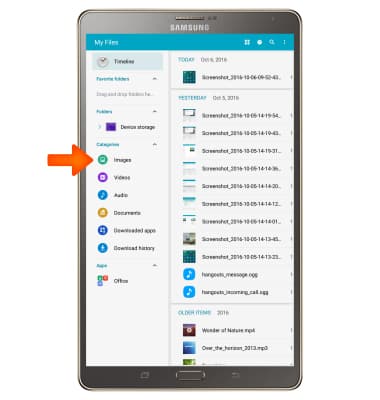
- Select the Desired category to view files.
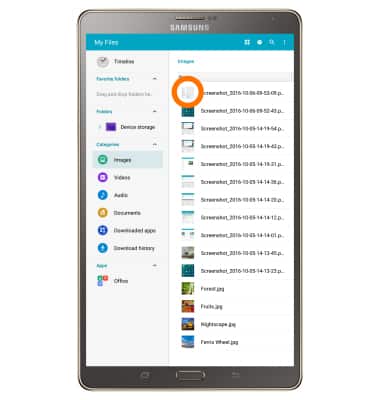
- To upload a file to Google Doc, select and hold the Desired file.
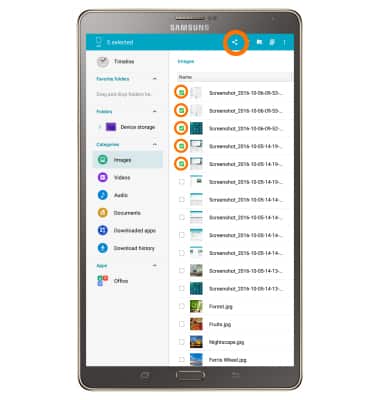
- Select Desired file(s) by tapping the checkboxes, select the Share icon.
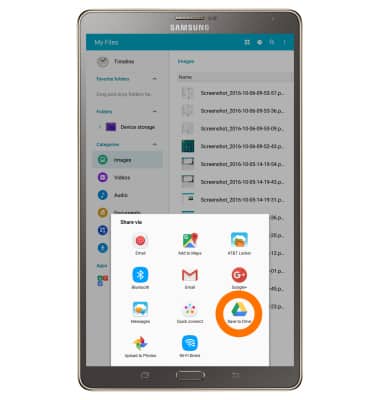
- Select Save to Drive.
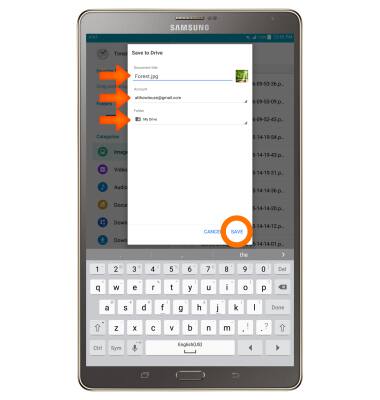
- Edit document title, select Desired account and Folder, then select SAVE.
My Files
Samsung Galaxy Tab S 8.4 (T707A)
My Files
Use My Files to open and manage downloaded and device created files
INSTRUCTIONS & INFO