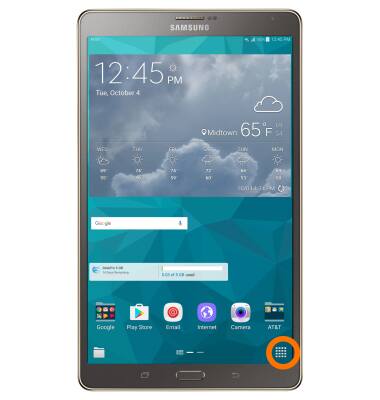
- Watch, search, record, and more. You never have to be without the entertainment you can’t live without. With the DIRECTV app on your phone, your favorite movies and shows are all right there in your pocket, ready to entertain whenever the mood strikes you. To open DIRECTV, from the Home screen, select the Apps icon.
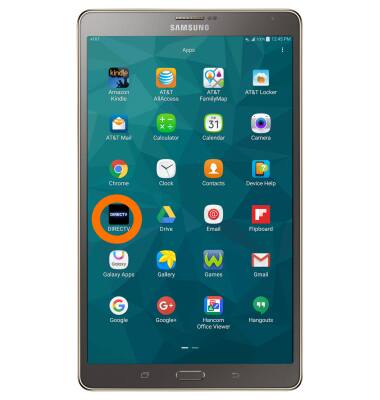
- Select DIRECTV.
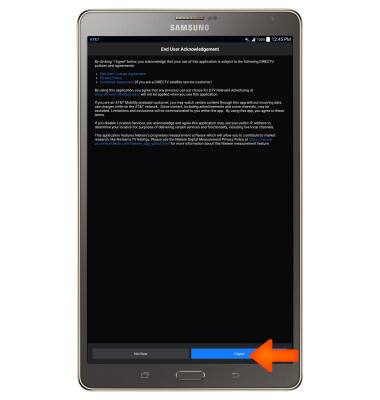
- If prompted, review the "End User Acknowledgement" and if you accept, select I Agree.
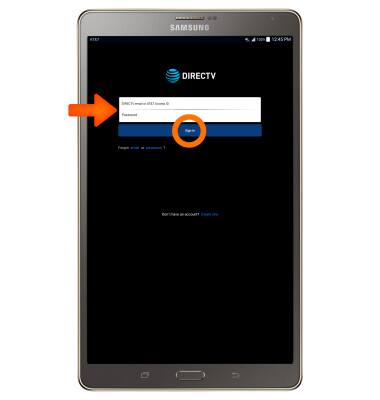
- Enter your Login information and select Sign in.
- Select the desired option.
Note: Use DIRECTV in landscape for optimal usage.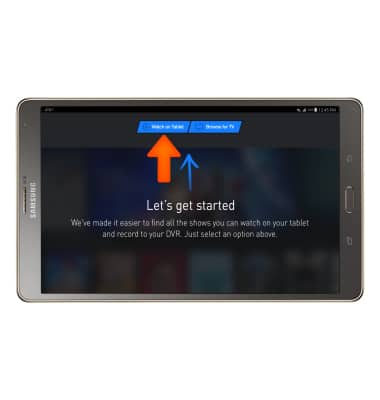
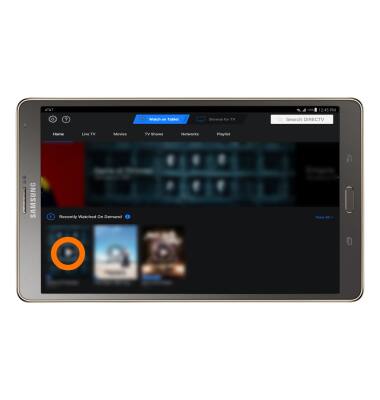
- To watch a program, select the Desired icon. Follow the on-screen prompts.
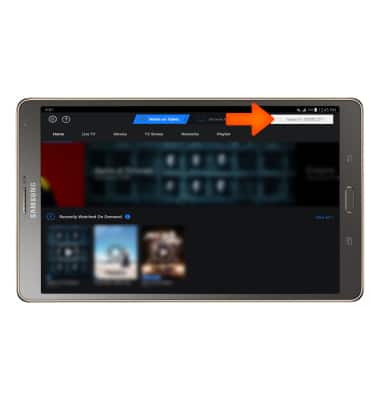
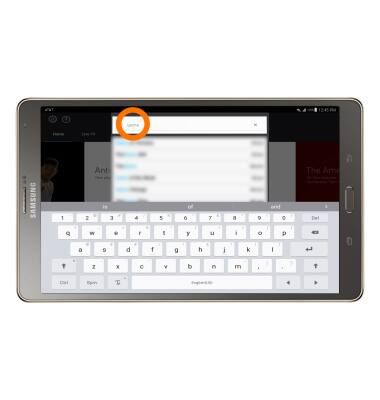
- To search for a program, select the Search field.
- Enter the Desired search.
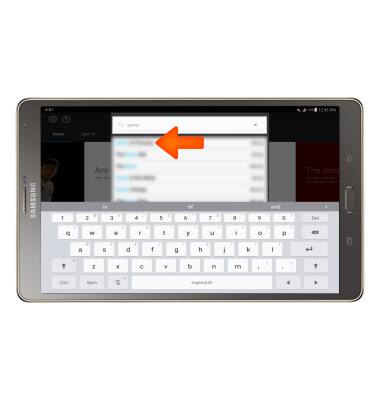
- Select the Desired search result.
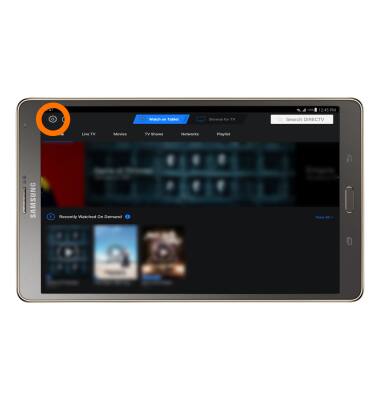
- To adjust settings select Settings & Help.
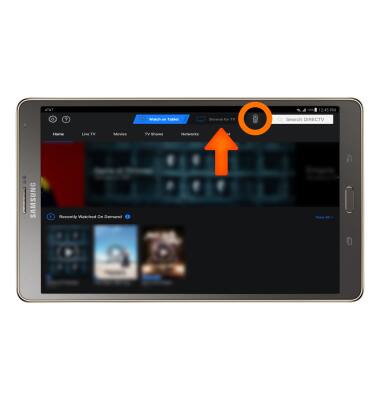
- To use the DTV Quick remote, select Browse for TV then select the Remote icon.
DIRECTV App
Samsung Galaxy Tab S 8.4 (T707A)
DIRECTV App
This tutorial shows how to access and use DIRECTV app if you are a DIRECTV subscriber.
INSTRUCTIONS & INFO