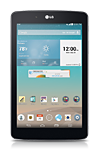
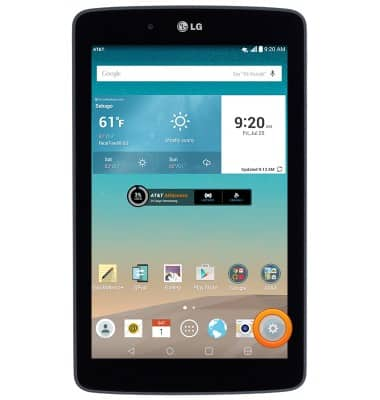
- From the home screen, tap the Settings icon.
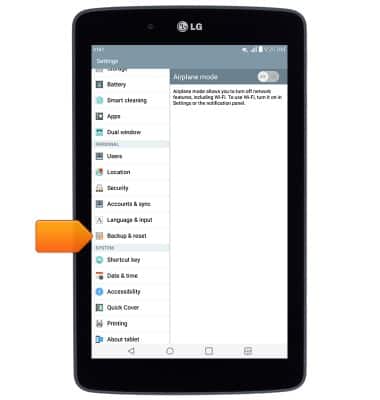
- Scroll to, then tap Backup & reset.
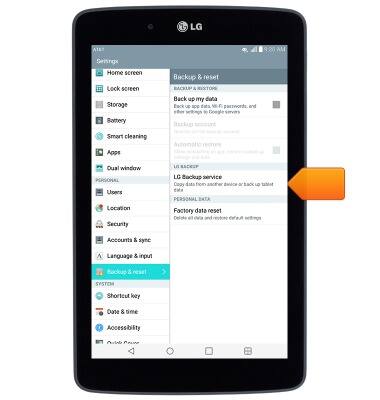
- Tap LG Backup service.
- Tap Backup & restore.
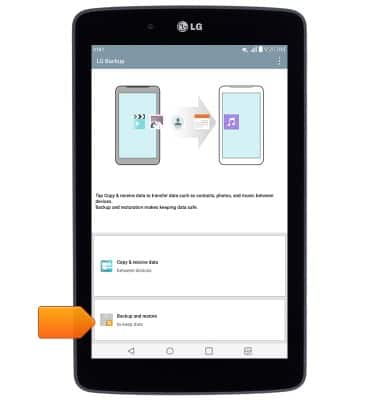
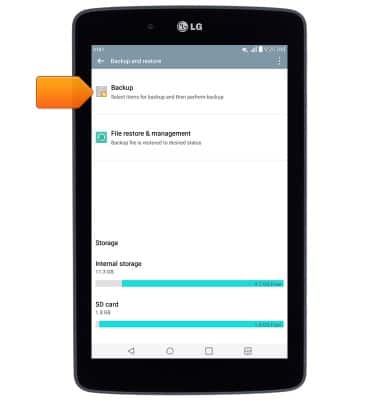
- Tap Backup.
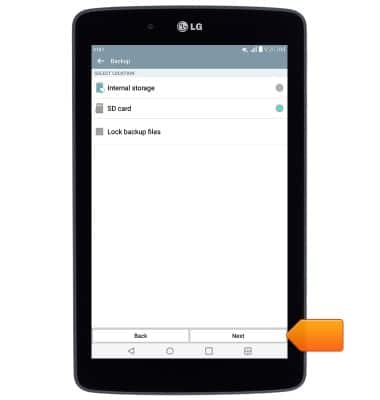
- Select the desired backup location, then tap Next.
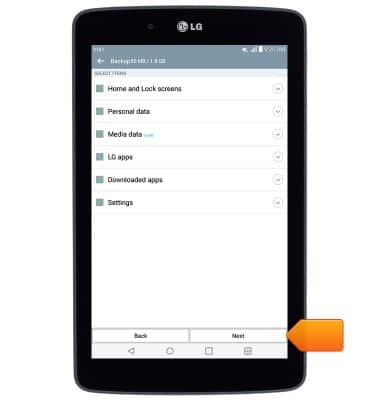
- Tap the desired items for backup, then tap Next.
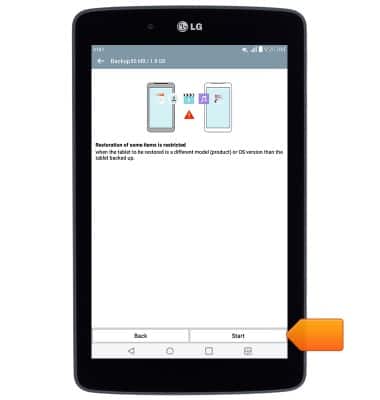
- Tap Start.
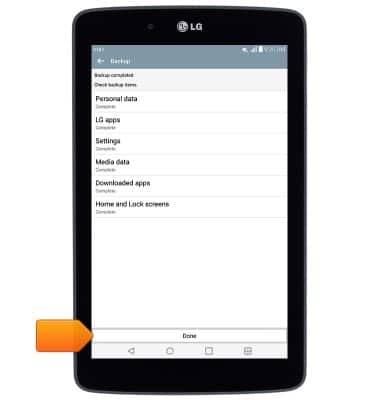
- Once the backup is complete, tap Done.
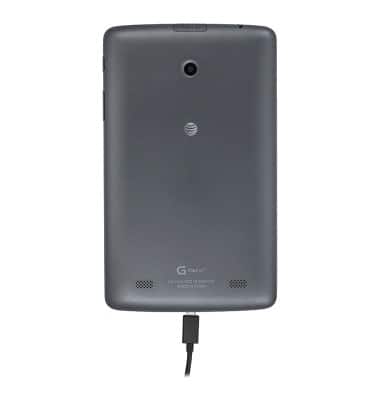
- Insert the microUSB end of the microUSB cable into the port on the device.
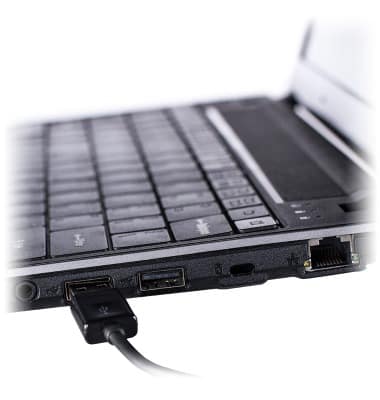
- Insert the USB end of the microUSB cable into an available USB port on a PC.
- On the PC, click the Start icon.
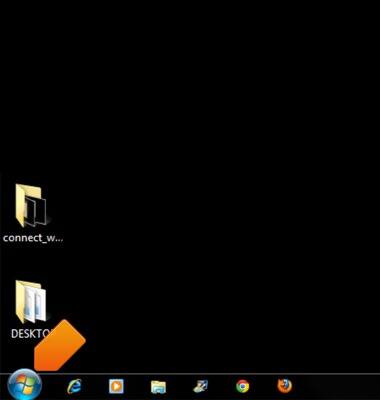
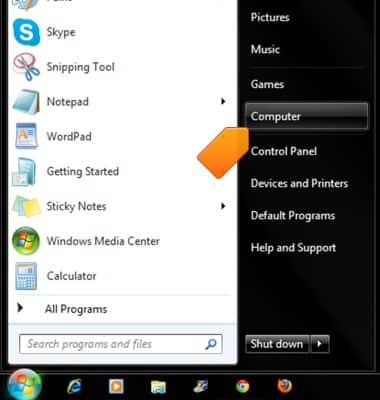
- Click Computer.
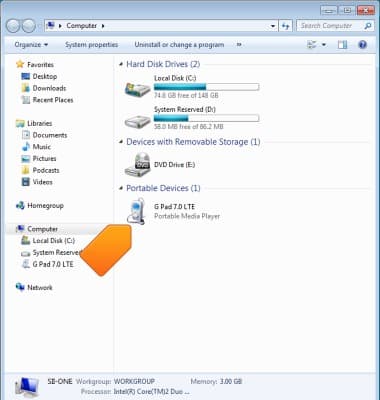
- Double-click G Pad 7.0 LTE.
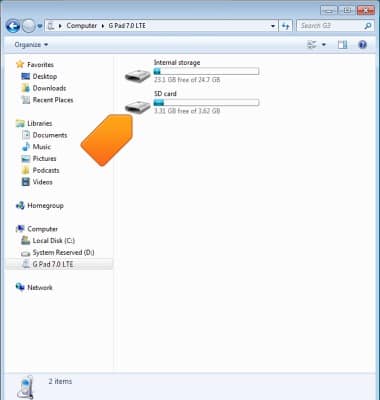
- Double-click the backup location.
- Scroll to, then double-click LGBackup.
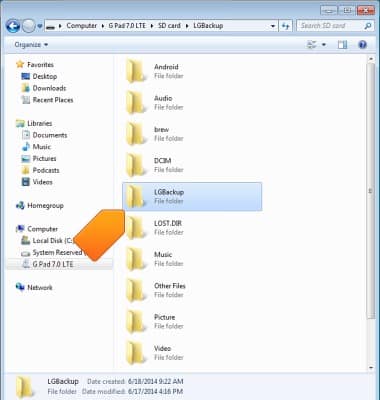
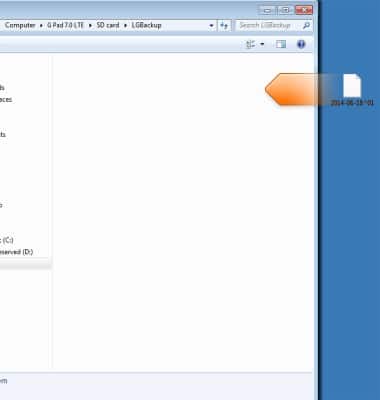
- Drag the backup to the PC.
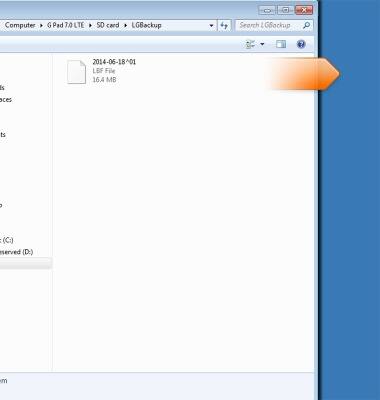
- To restore, follow steps 10-16, then drag the backup into the LGBackup folder.
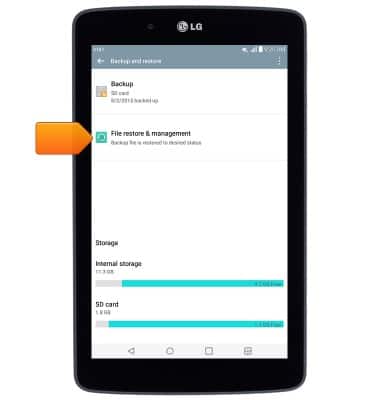
- Follow steps 1-3, then tap File restore & management.
- Tap the desired backup.
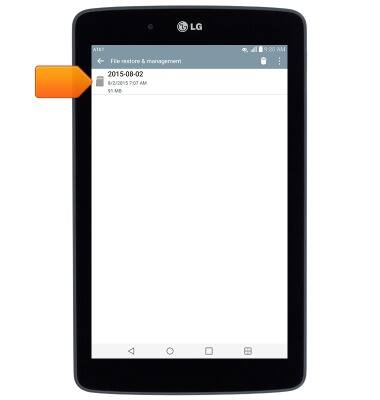
- Tap Next.
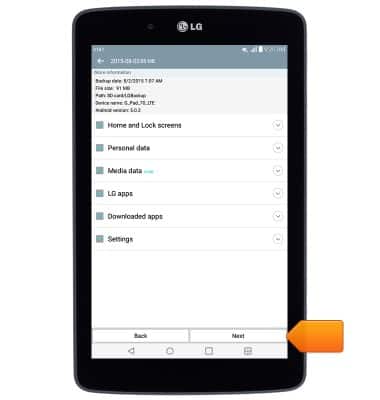
- Tap Start.
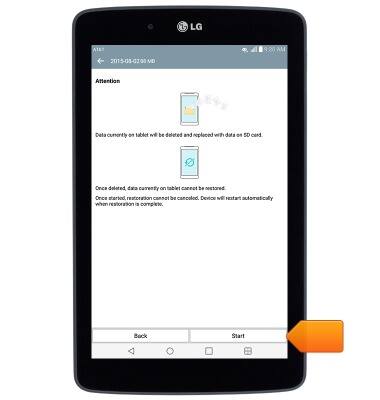
- Tap Done.
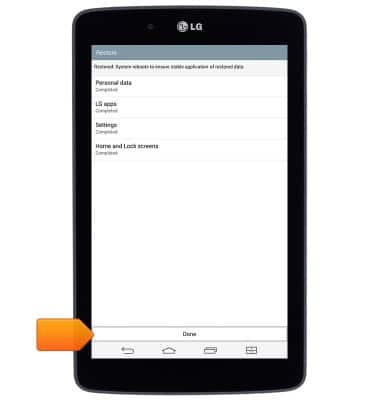
- After the device restarts, it will be ready for use.
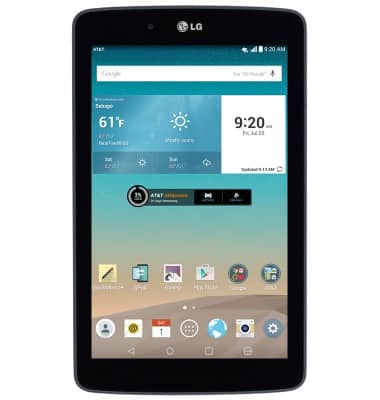
Backup & restore with computer
LG G Pad 7.0 LTE (V410)
Backup & restore with computer
This article describes how to backup and restore with PC or Mac.
INSTRUCTIONS & INFO