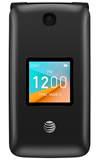
- ACCESS ACCESSIBILITY FEATURES: From the home screen, press the OK button then press the directional buttons to navigate to the Settings app > Device tab > Accessibility.
Note: From the Accessibilty screen, you can also adjust the device's font size, backlight brightness, invert screen colors, and more.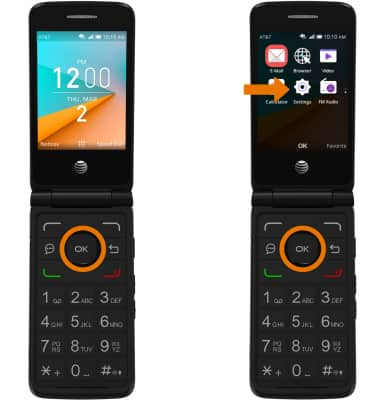
- TURN ON READOUT: From the Accessibility screen, navigate to and select Readout > Readout > ON.
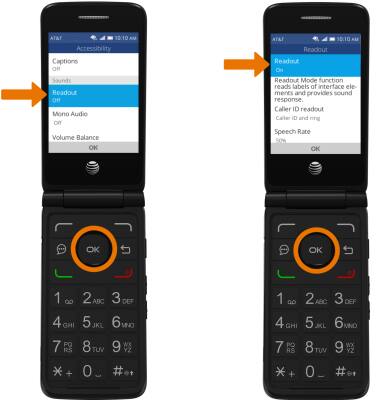
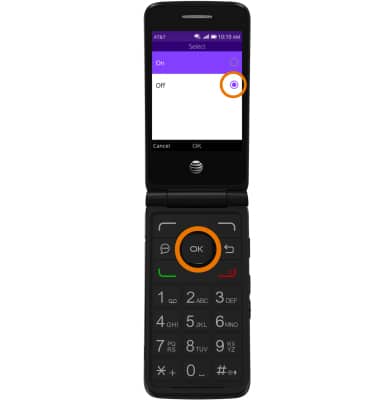
- TURN OFF READOUT: From the Readout screen, navigate to and select Off.
Accessibility
AT&T Cingular Flip 2 (4044O)
Accessibility
Accessiblity features allow you to improve the usability of your device for users affected by impaired vision or hearing, cognitive difficulty, or reduced dexterity.
INSTRUCTIONS & INFO