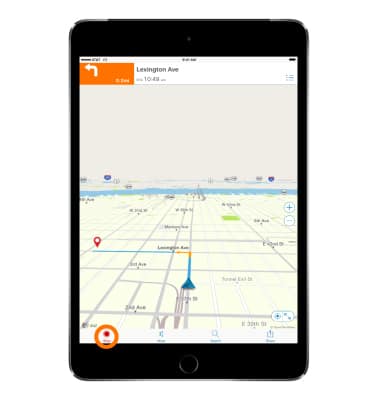
- AT&T Navigator makes your travels easier with GPS-guided maps and directions, traffic alerts, and additional navigation features that give you real-time, on-the-road coverage to help you avoid traffic, find the best routes, and more. To download AT&T Navigator, from the home screen tap App Store.
Note: Separate subscription may be required. Data rates apply. For more information, visit the AT&T Navigator website.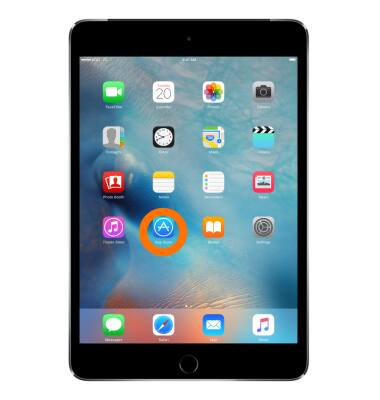
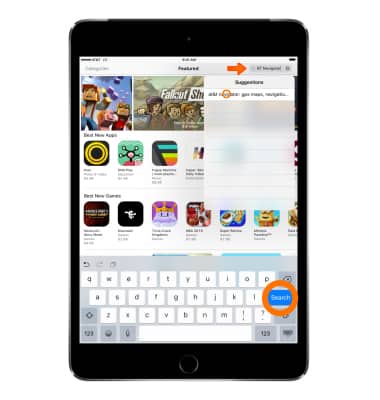
- Tap the Search field, and Enter ‘AT&T Navigator’, then tap the 'at&t navigator' suggestion or Search.
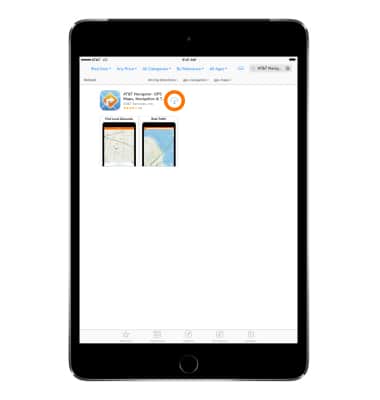
- Tap GET > INSTALL or the Cloud download icon (If you have downloaded the app before).
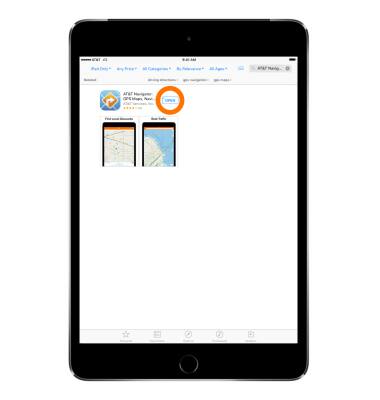
- After the download is complete, tap OPEN.
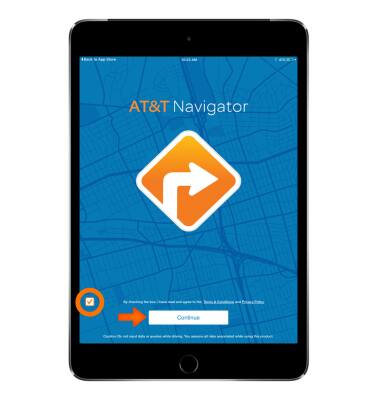
- Tap the Check box to agree to Terms & Conditions, then tap Continue.
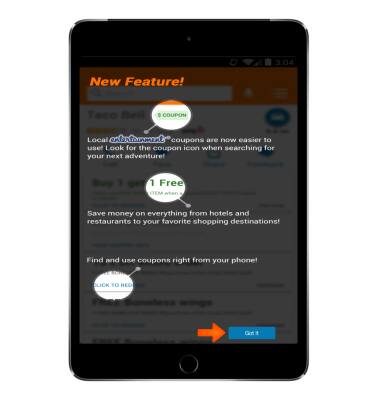
- Tap Got It.
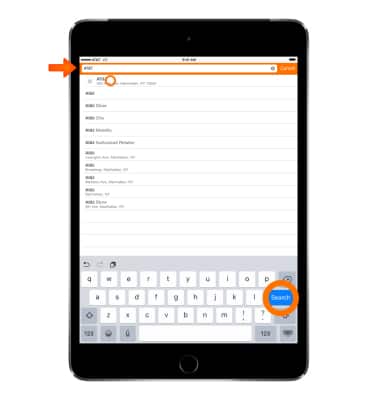
- Tap the Search bar.
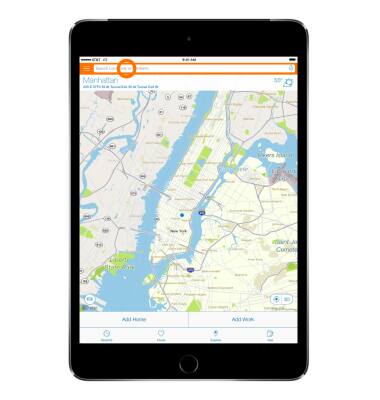
- Enter the Desired address, then tap a location suggestion or Search.
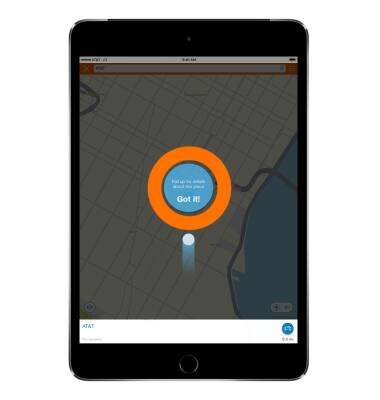
- Tap Got it!
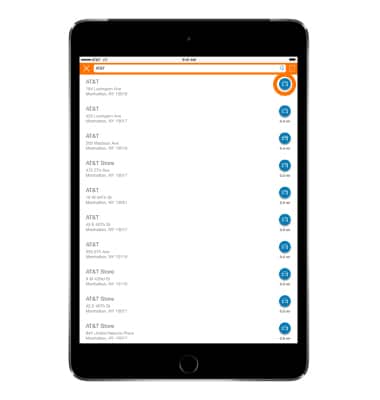
- Tap the Drive icon next to the desired location.
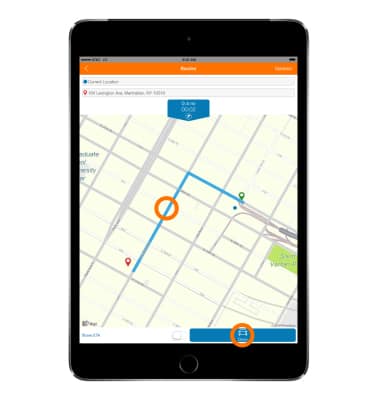
- Tap the Desired route, then tap Drive.
- To end navigation, tap the screen, then tap Stop.
AT&T Navigator
Apple iPad mini
AT&T Navigator
Get directions and navigation using AT&T Navigator.
INSTRUCTIONS & INFO