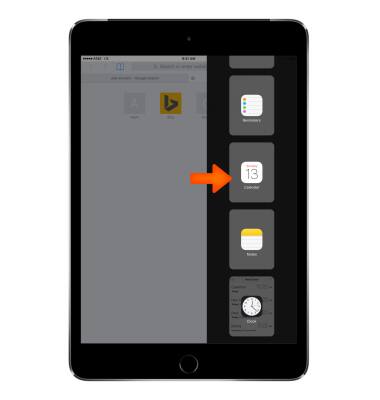
- To use Slide Over, tap a Desired app.

- Swipe Inward from the right edge of the screen.
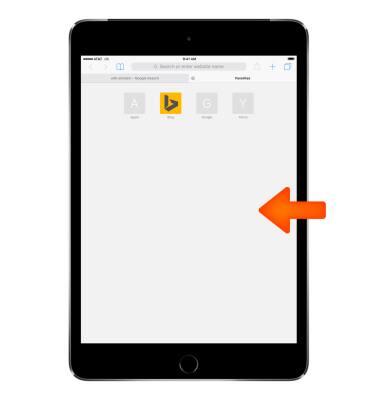
- Swipe to and tap the Desired app.

- To return to Slide Over menu, swipe Down from the top of the Menu.
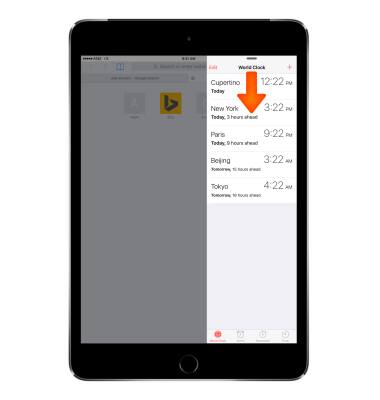
- Swipe right to get rid of Slide Over menu.
Slide Over
Apple iPad mini
Slide Over
Open a second app without leaving the one you?re in.
INSTRUCTIONS & INFO