
Backup/Restore Photos & Files
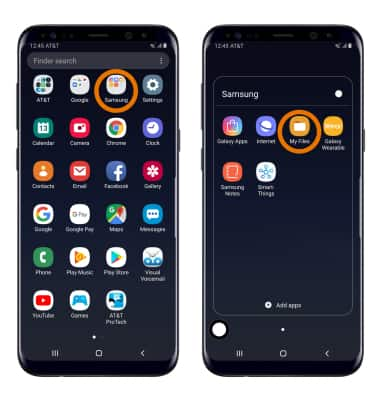
- Swipe up or down from the center of the home screen to access the Apps tray.
- Select the Samsung folder, then select the My Files app.
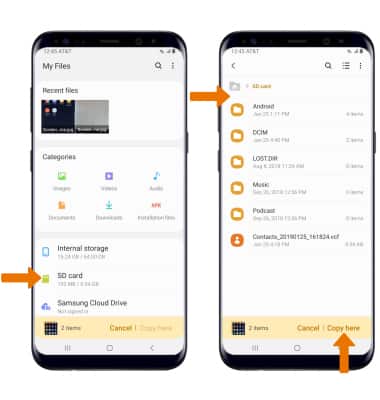
- Navigate to, then select and hold the desired file(s). Select Copy, then select the Home folder.
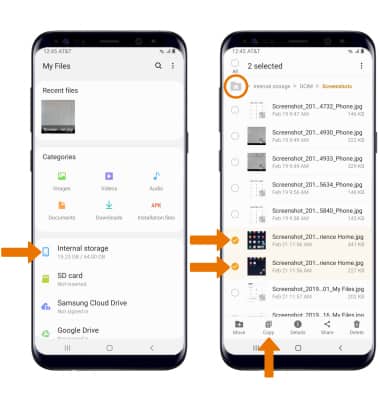
- Select SD Card, then navigate to the desired folder and select Copy here.
Backup/Restore Contacts
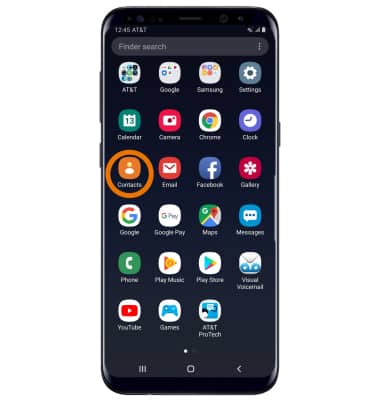
- From the Apps tray, select the Contacts app.
- Select the
 Menu icon, then select Manage contacts.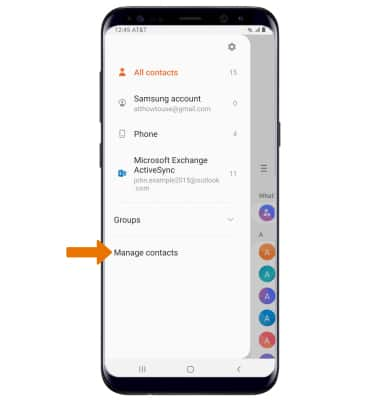
- Select Import/Export contacts, then select Export.
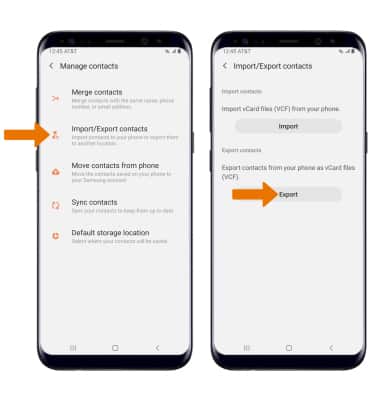
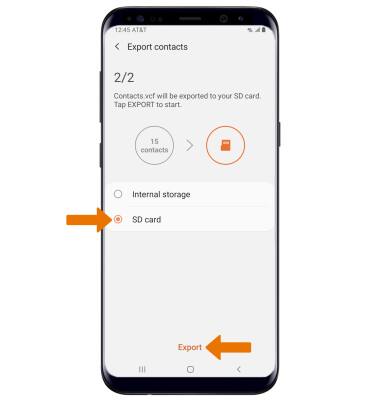
- Select SD card, then select Export. Your contacts are now backed up to your SD card.