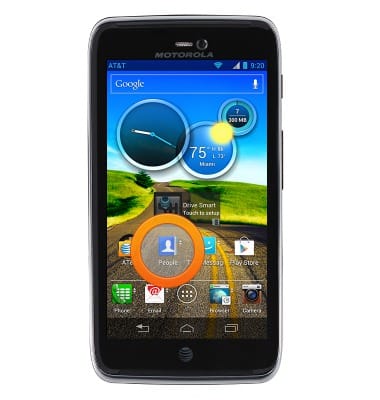
- From the home screen, tap People.
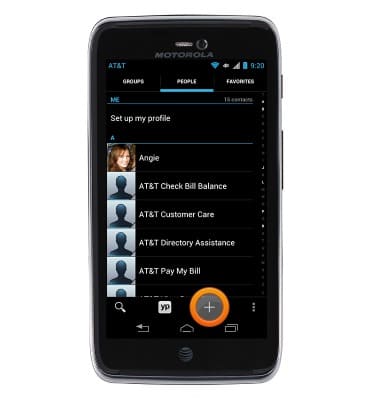
- Tap the Add contact icon.
- Tap the Photo icon to add a picture.
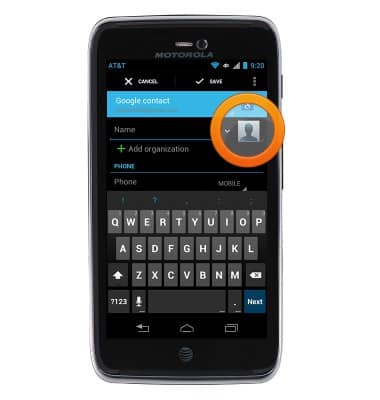
- Enter any additional contact information, and then tap Save.
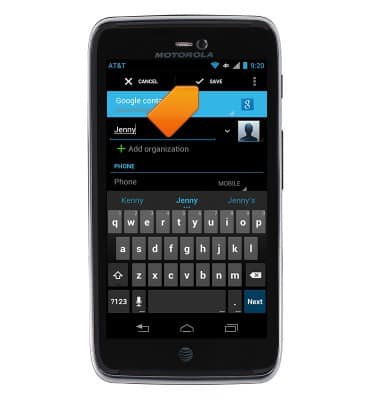
- To edit a contact, touch and hold the desired contact, and then tap the Edit icon.
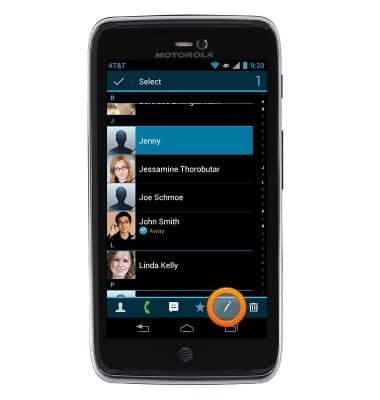
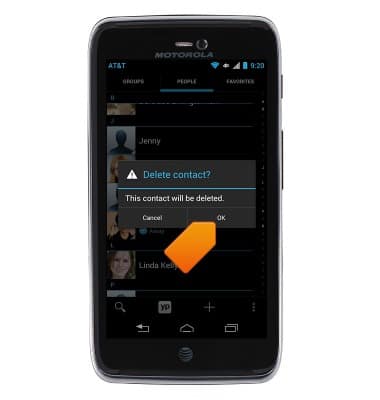
- To delete a contact, tap and hold the desired contact.
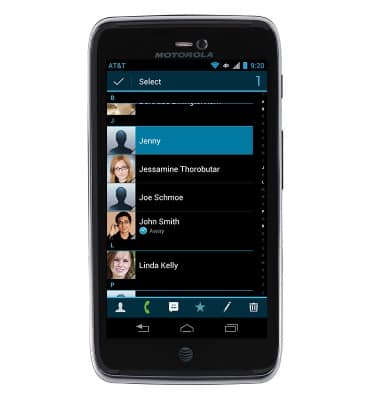
- Tap the Delete icon.
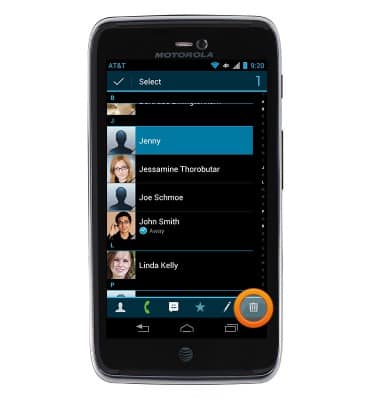
- Tap OK.
Contacts
Motorola ATRIX HD (MB886) OS 4.0-4.1
Contacts
Add, view, delete, and customize contacts by adding a picture or ringtone.
Contacts
This video describes how to use the contacts features of the device.
Contacts
2:15
INSTRUCTIONS & INFO