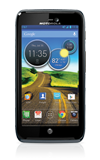
- From the home screen, swipe down the Notifications bar.
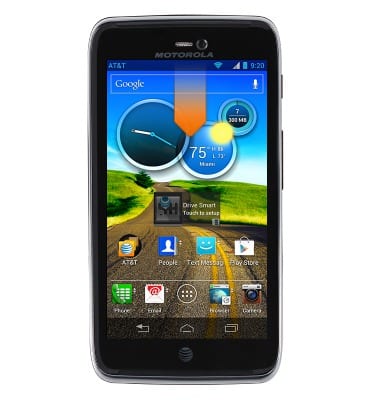
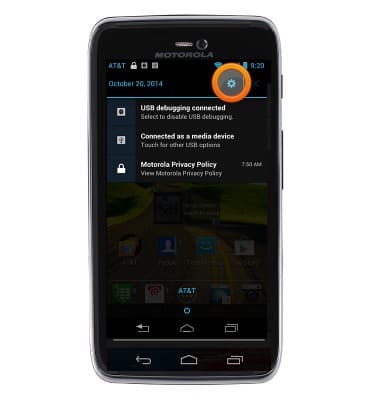
- Tap Settings.
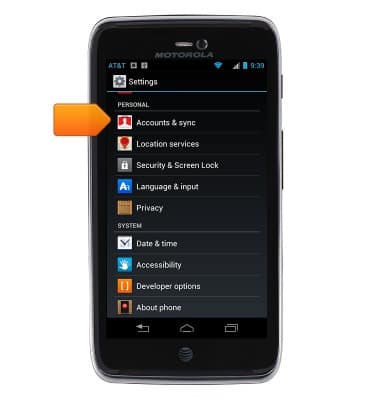
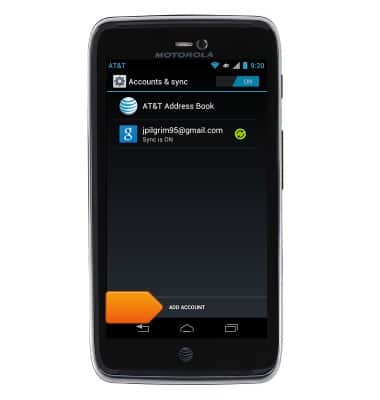
- Tap Accounts & sync.
- Tap Add account.
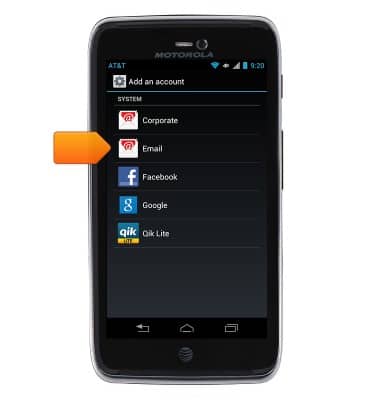
- Tap Email.
- Enter your email account information, and then tap Next.
Note: If multiple accounts are configured, tap to check Send email from this account by default if desired.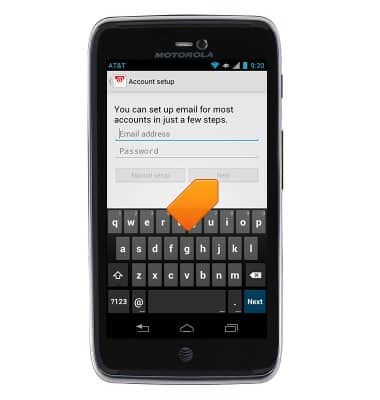
- Select the desired account options, and then tap Done.
Note: Options may vary depending on the email provider.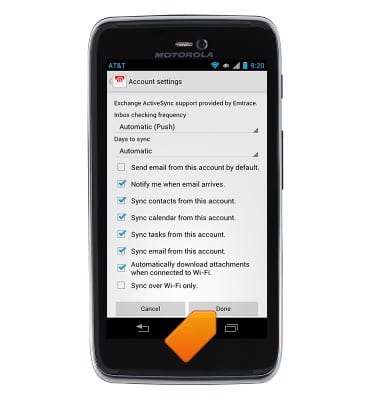
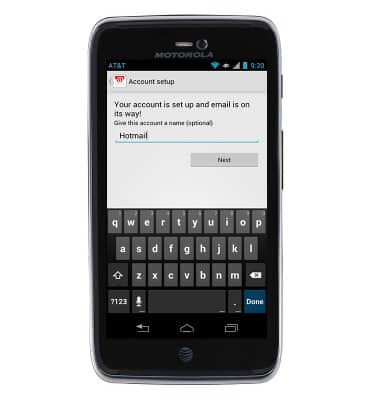
- Enter the desired email account name and the name you want displayed on outgoing messages, and then tap Activate.
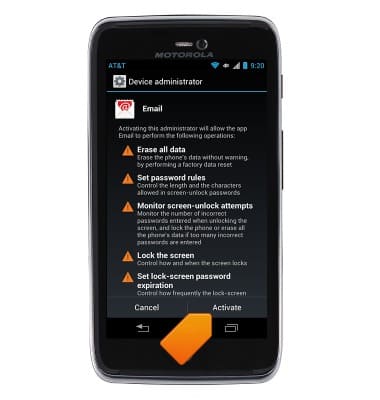
- To confirm that email setup has been successful, test by sending an email.
Set up personal email
Motorola ATRIX HD (MB886) OS 4.0-4.1
Set up personal email
Add your personal email accounts so you can read and send email on your device.
INSTRUCTIONS & INFO