- From the home screen, swipe to then tap AT&T.
Note: To check your current month's data usage dial *data# (*3282#) on your mobile phone to receive a text message with the current bill cycle's usage.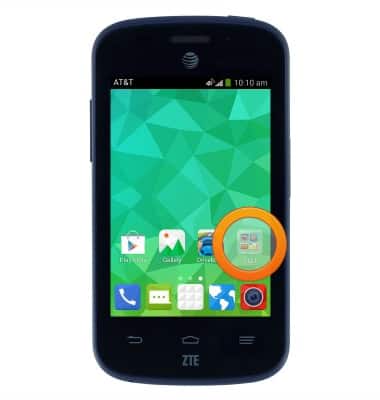
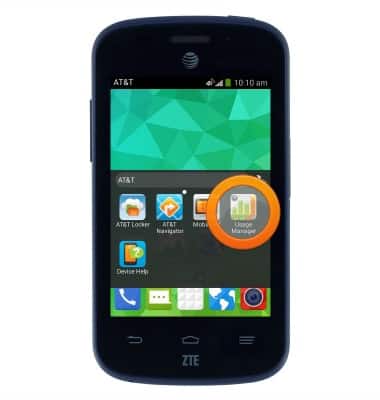
- Tap Usage Manager.
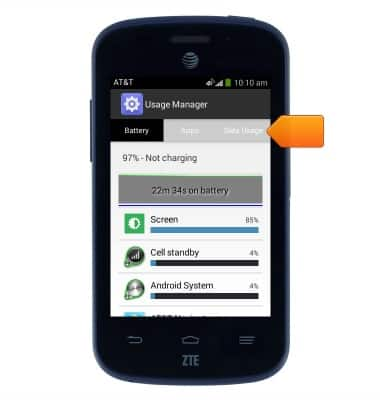
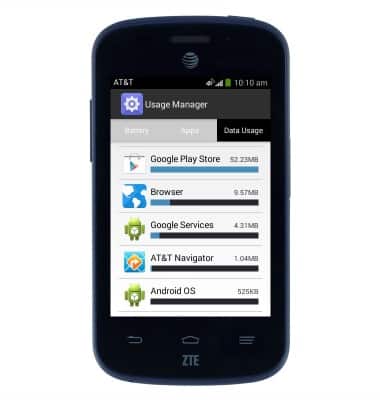
- Tap Data Usage.
- Scroll down to view the data usage summary for the selected Billing cycle.
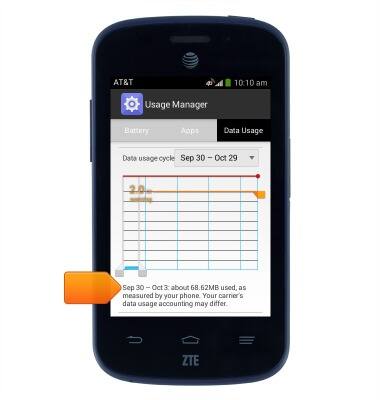
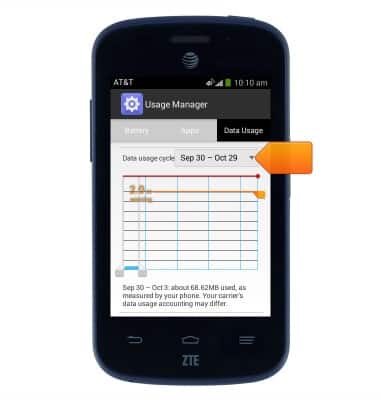
- Scroll to, then tap the Data usage cycle field to view data usage for a different billing cycle.
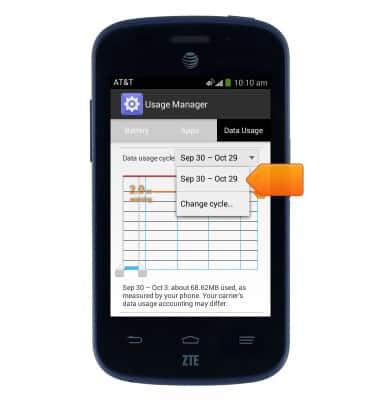
- Tap the desired billing cycle to view data usage.
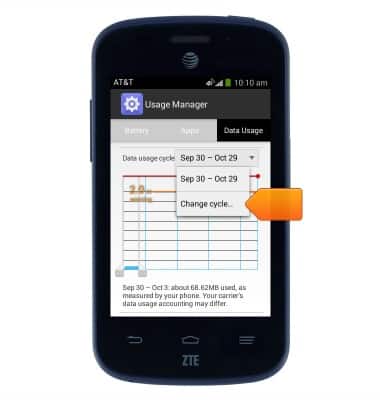
- Tap Change cycle... to change the billing cycle start and end dates.
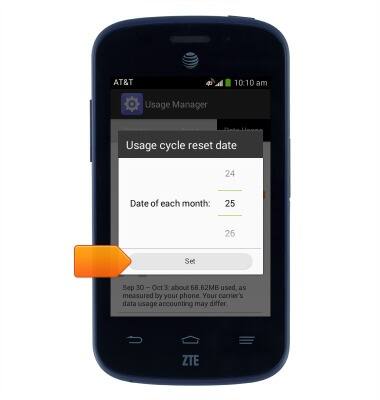
- Scroll to select the first day of each billing cycle.
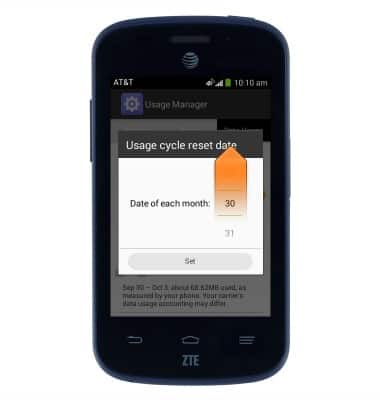
- Tap Set.
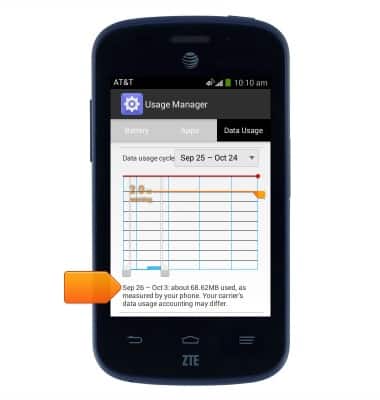
- A summary of the newly selected billing cycle will be displayed.
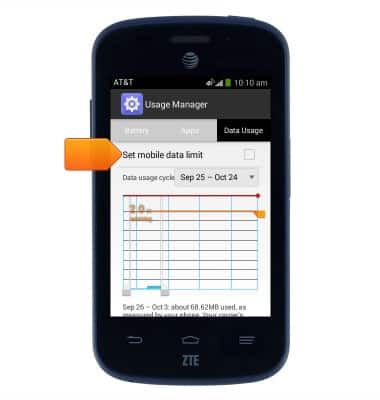
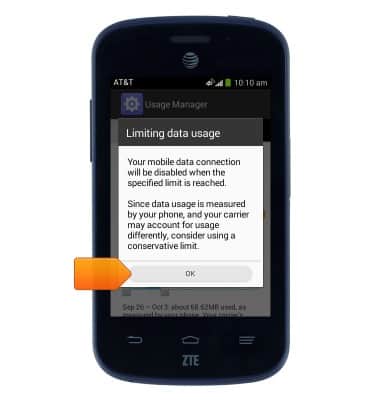
- Scroll to, then tap Set mobile data limit to set a monthly data limit.
- Tap OK.
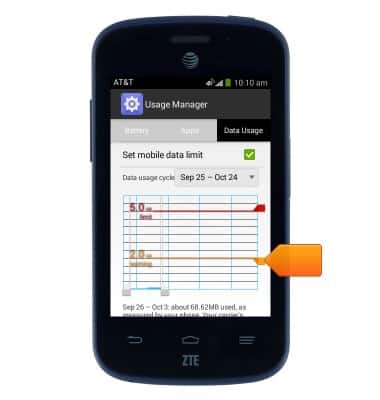
- Drag the Warning marker up or down to set the level at which you will be warned about your data usage.
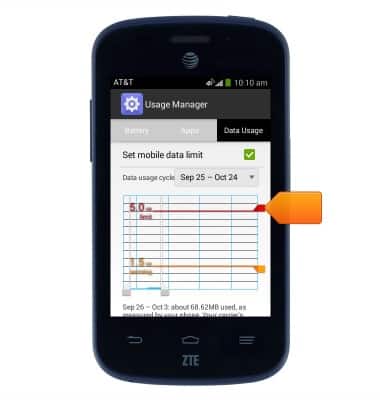
- Drag the Data limit marker up or down to set the data usage limit.
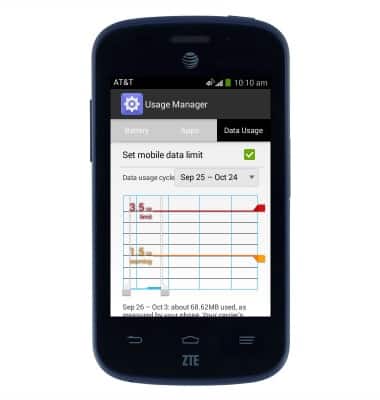
- The Data warning and Data limit will save automatically.
- Scroll down to view data usage broken down by App.
View & manage data
ZTE Z667
View & manage data
Access Usage Manager to view data usage, set data limits, & see the apps using the most data.
INSTRUCTIONS & INFO