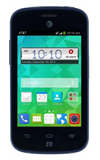
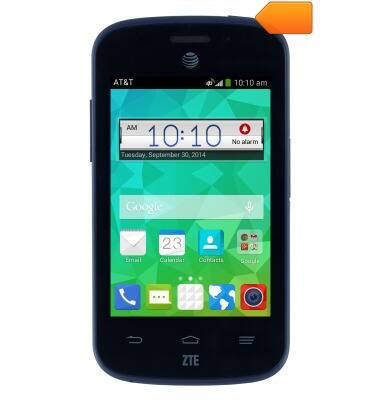
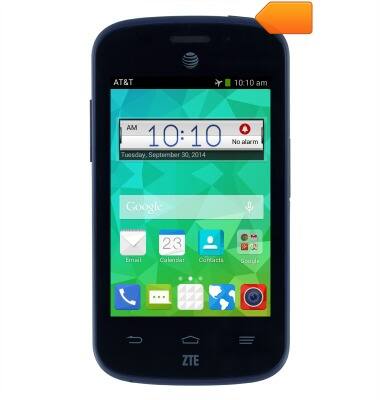
- Press and hold the Power/Lock key.
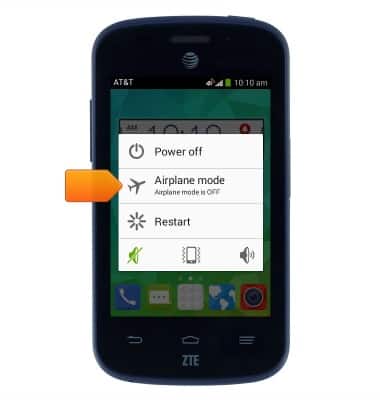
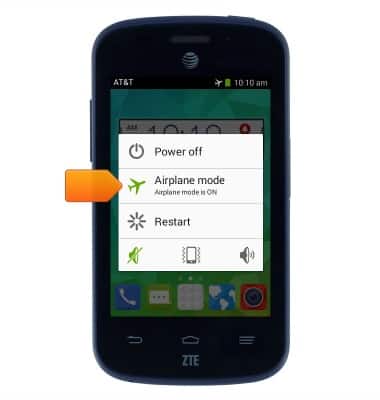
- Tap Airplane mode.
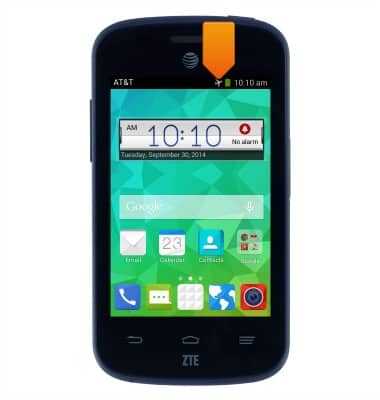
- While airplane mode is enabled, the Airplane mode icon will display in the Notifications bar.
- To disable airplane mode, press and hold the Power/Lock key.
- Tap Airplane mode.
Airplane mode
AT&T Z667
Airplane mode
Learn how to turn Airplane mode on and off.
INSTRUCTIONS & INFO