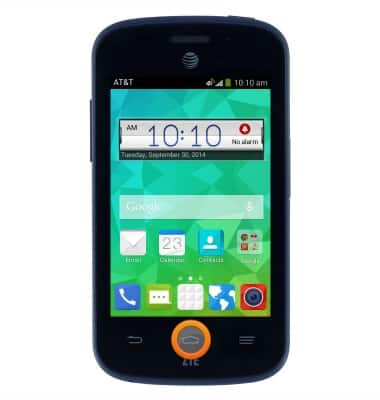
- From any screen, press and hold the Home key.
- Tap NEXT.
Note: For more information on Google Now, please visit www.google.com/now.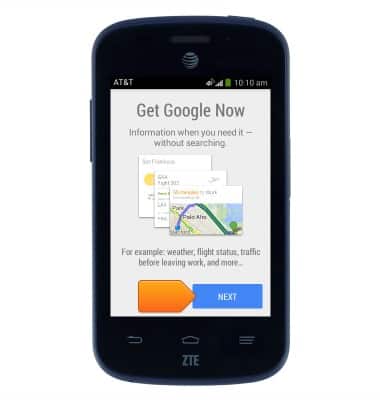
- Tap the desired option.
Note: For this demonstration, tap "No, maybe later."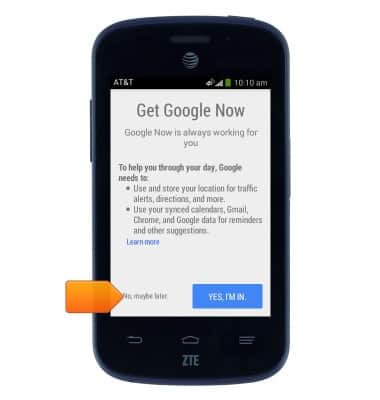
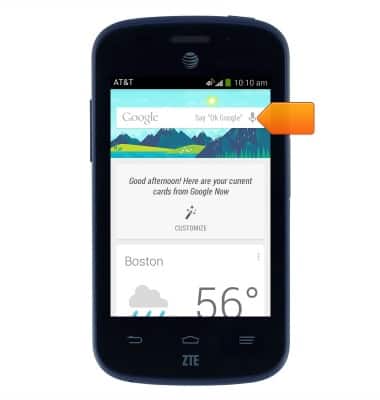
- To perform a voice search, tap the Microphone icon or speak the phrase "Ok Google".
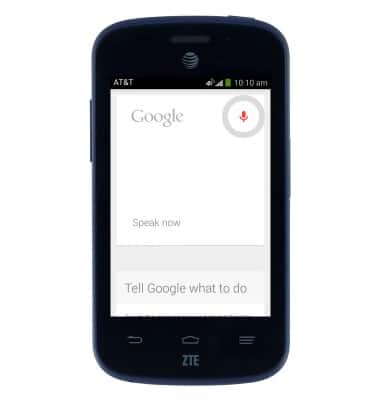
- Speak the desired search term(s).
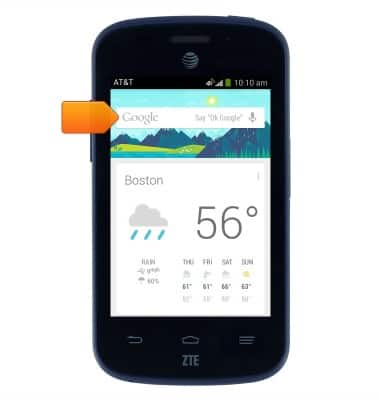
- To perform a typed search, tap the Google search field.
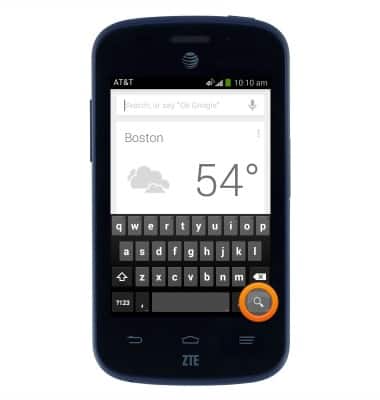
- Enter the desired search term(s), then tap the Search icon.
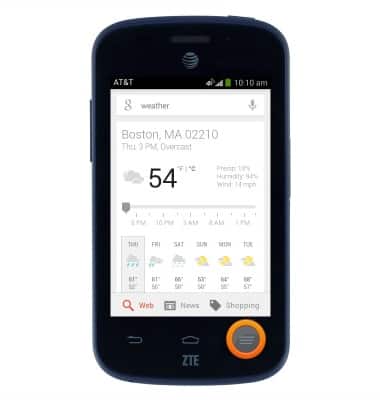
- To access Google search settings, press the Menu key.
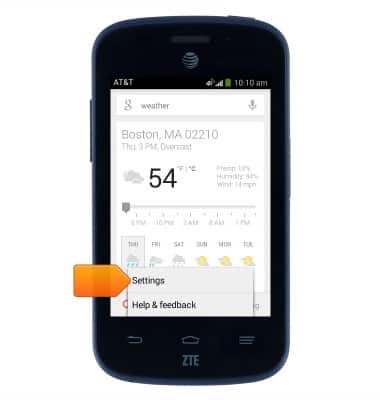
- Tap Settings.
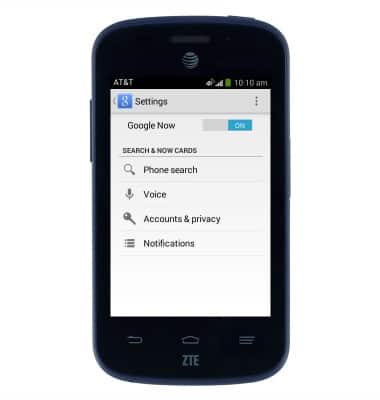
- Change settings as desired.
Search
AT&T Z667
Search
Perform a text and voice search on your device and how to adjust search settings.
INSTRUCTIONS & INFO