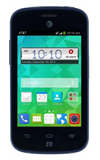
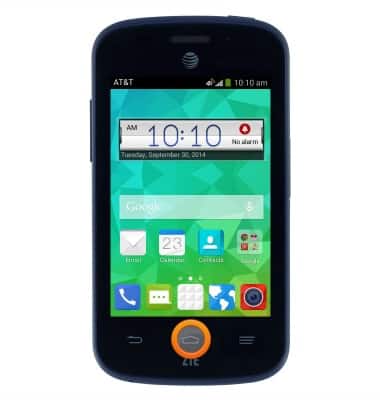
- Press the Home key to return to the Home screen from any other screen.
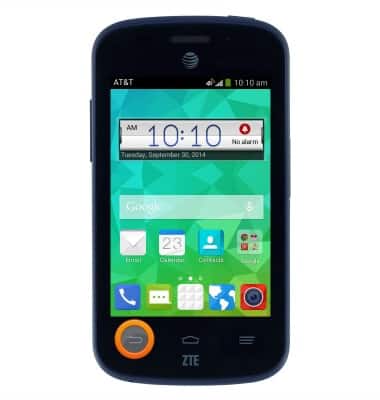
- Press the Back key to return to the previous screen.
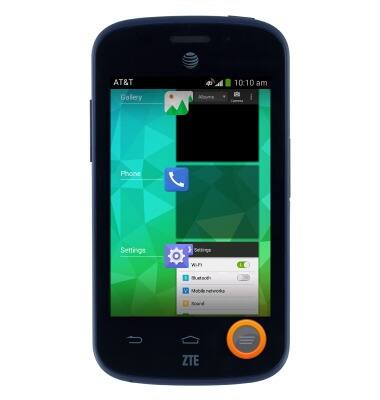
- Press the Menu key to bring up the menu for the current screen. Press and hold to display recent apps.
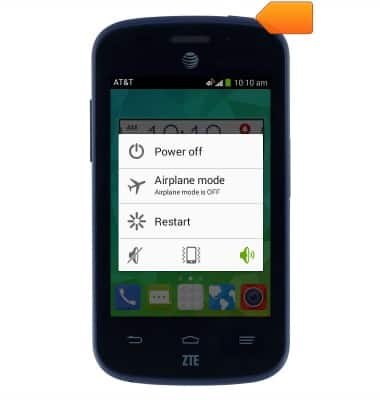
- Press the Power/Lock key located on top of the device to lock the screen. Press and hold to power the device on/off.
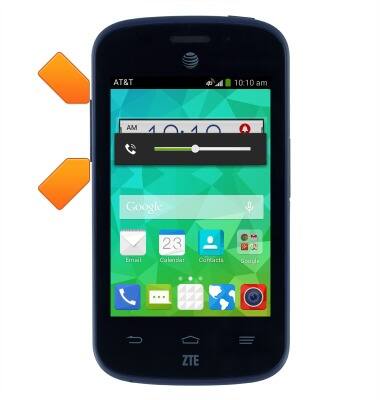
- Press the Volume keys located on the side of the device to adjust the volume.
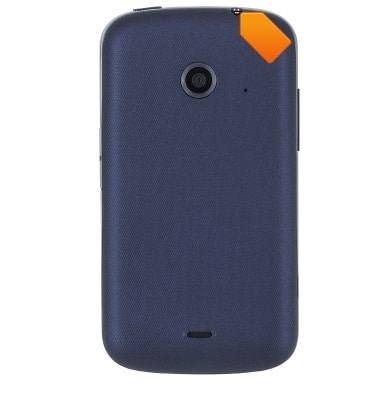
- The Headphone jack is located on top of the device.
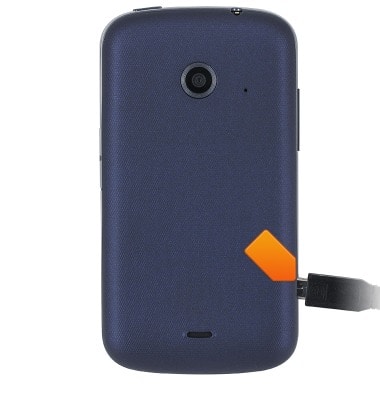
- The MicroUSB/Charger port is located on the side of the device
- The MicroSD card slot is located on the side of the device.
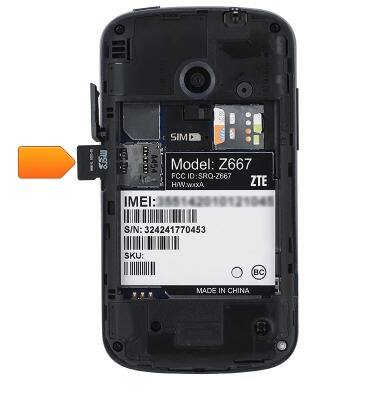
- The SIM card slot is located beneath the battery.
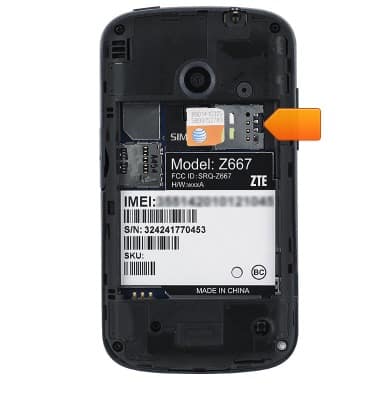
Device layout
AT&T Z667
Device layout
Provides an overview of the device layout.
INSTRUCTIONS & INFO