- From the home screen, swipe to, then tap Gallery.

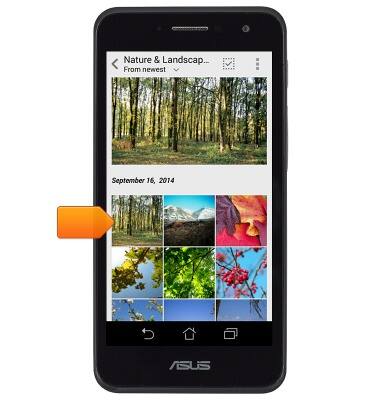
- Tap the desired album.

- Tap the desired photo or video.
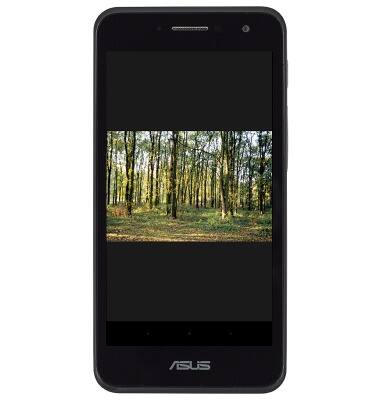
- The photo or video will be displayed.
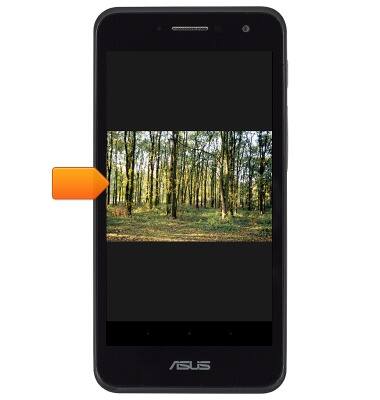
- To share a photo or video, tap the screen.
- Tap the Share icon.
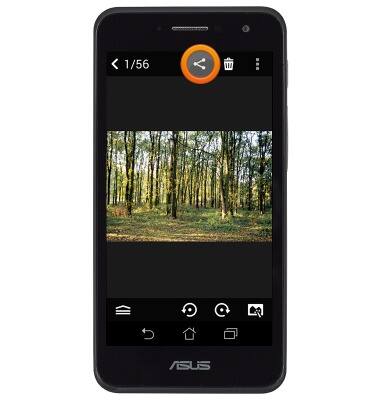
- Tap the desired sharing method.
Note: For this demonstration, tap 'Messaging'.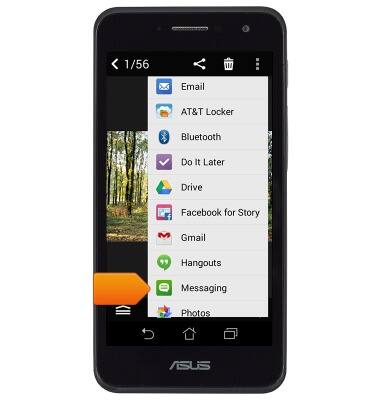
- Tap the To field.
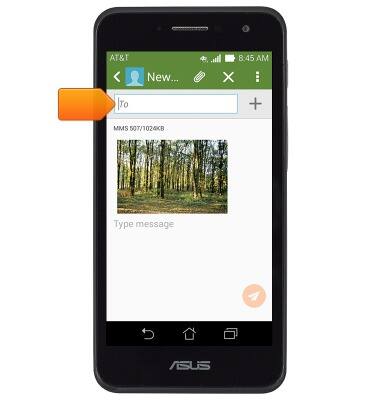
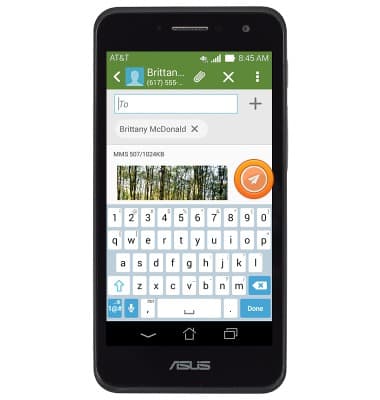
- Enter the desired contact or number, then tap the Send icon.
View & share photos or videos
ASUS PadFone X mini (T00S)
View & share photos or videos
Access, view, and share your photos and videos.
INSTRUCTIONS & INFO