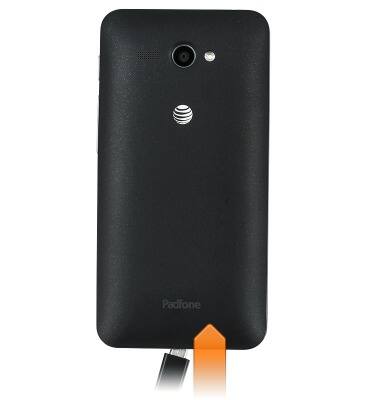
- Insert the microUSB end of the microUSB cable into the microUSB port on the device.
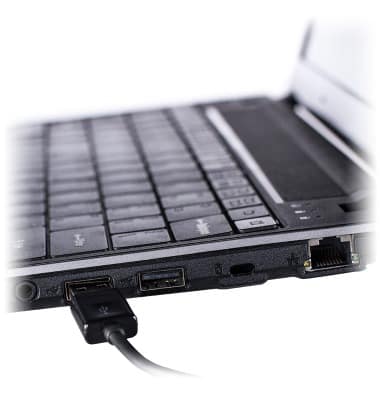
- Insert the USB end of the microUSB cable into an available USB port on the computer.
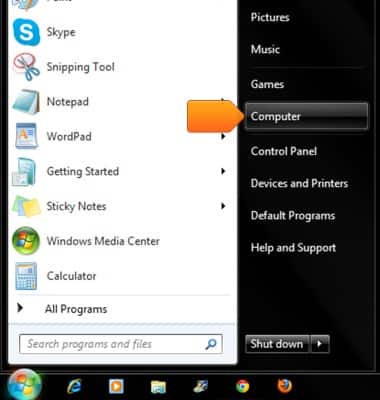
- On the PC, click the Start icon.

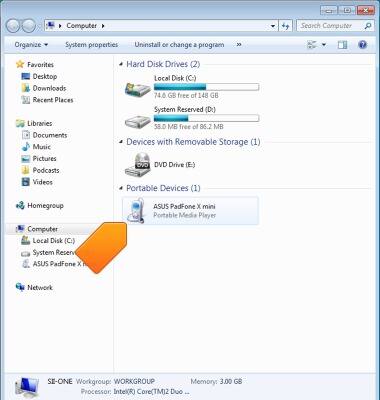
- Click Computer.
- Double-click ASUS PadFone X mini.
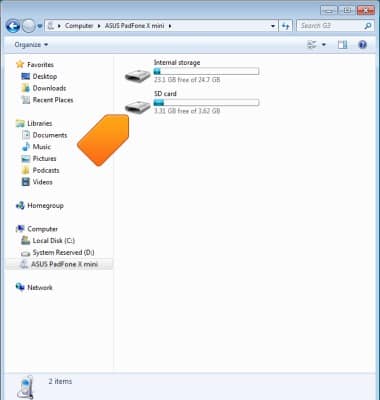
- Double-click the desired storage location.
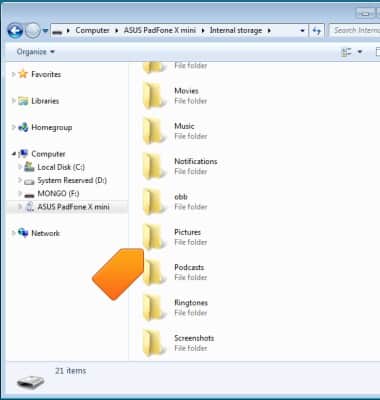
- Navigate to the desired folder.
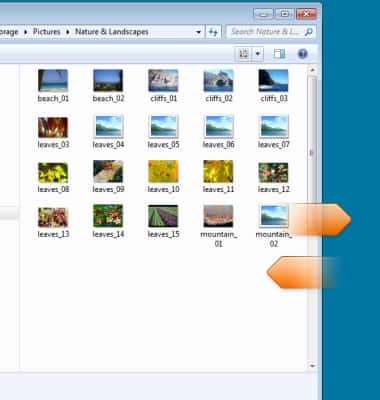
- Drag and drop the desired files to and from the device and PC.
Backup & restore with computer
ASUS PadFone X mini (T00S)
Backup & restore with computer
Learn how to backup and restore contacts & data on the device with a computer.
INSTRUCTIONS & INFO