
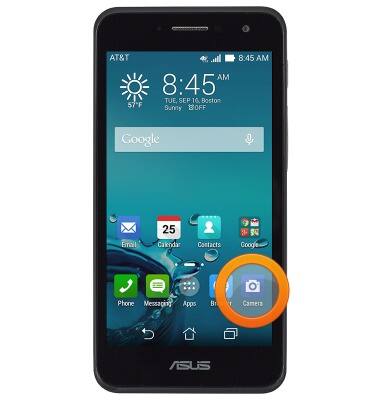
- From the home screen, tap Camera.
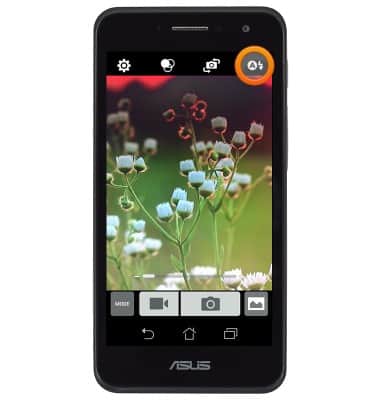
- Tap the Flash icon to alternate between On, Off, and Auto Flash.
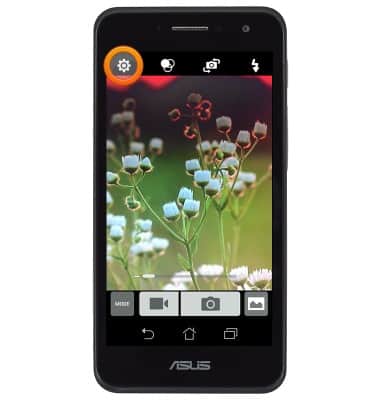
- For more options, tap the Settings icon.
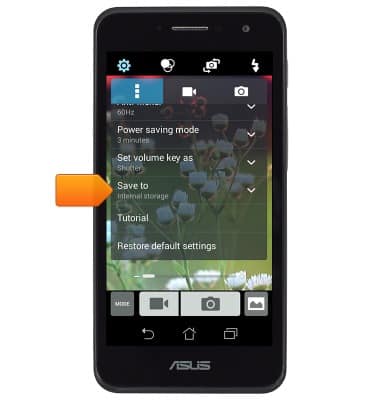
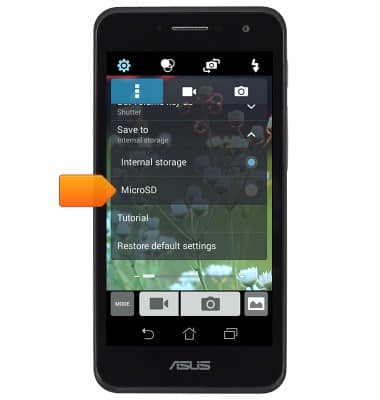
- To change storage location, scroll to, then tap Save to.
- Tap the desired option.
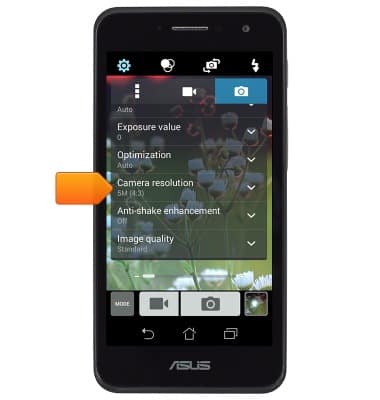
- To change picture size, scroll to, then tap Camera resolution.
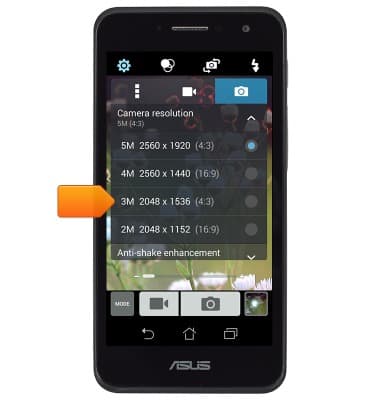
- Tap the desired option.
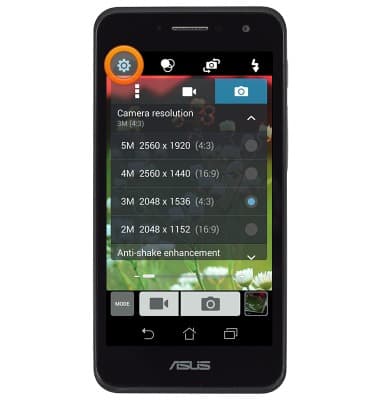
- Tap the Settings icon to exit the settings menu.
Camera & video settings
ASUS PadFone X mini (T00S)
Camera & video settings
How to change the camera settings.
INSTRUCTIONS & INFO