- Tap the Speakerphone icon to turn speakerphone on/off.

- When the speakerphone is turned on, the Speakerphone icon will display in the Notifications bar.

- To add a line to the call, tap the Add call icon.

- Tap the Mute icon to mute/unmute the microphone.

- When the microphone is muted, the Mute icon will display in the Notifications bar.

- Tap Hold to place the call on hold.
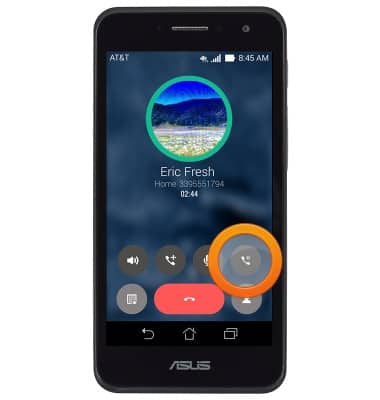
- When on hold, the Hold icon will display in the Notifications bar when navigating away from the call screen.

- Tap the Keypad icon to view the keypad.

- Tap the End icon to end the call.

- Tap the Contacts icon to view a list of contacts.

- To return to a call, from the home screen, tap the Phone icon.

In-call options
ASUS PadFone X mini (T00S)
In-call options
Learn what features are available while on an active call.
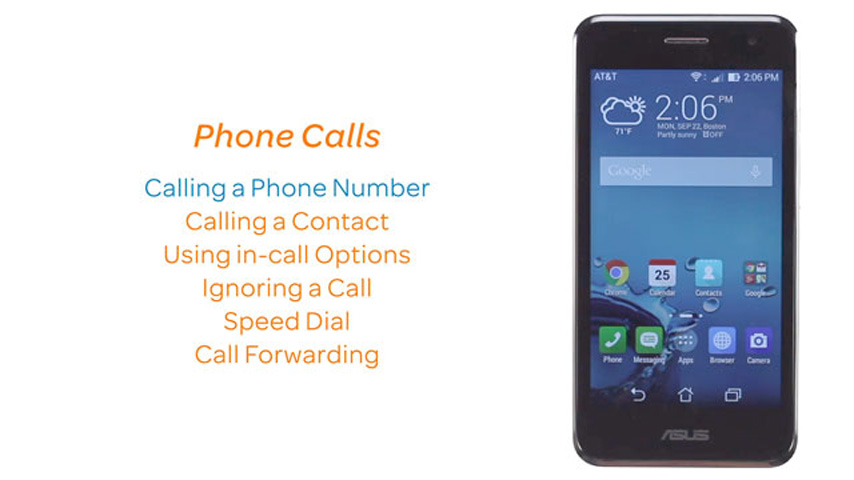
Phone Calls
This video explains how to use the device's phone features.
Phone Calls
2:47
INSTRUCTIONS & INFO